You can accept credit card payments without a machine in three ways: key the card into a virtual terminal, send an email or text invoice the customer pays online, or charge a card the customer keeps on file with you. Tap Simple puts all three in Payments Hub, its online command center, and every Tap Simple account includes the virtual terminal. When a customer is standing in front of you, the small 3-in-1 Reader pairs with a compatible iOS or Android phone you already carry, so you still never need a full card terminal.
Key points
- A virtual terminal lets you type in card details for phone and mail orders, with no hardware.
- Email or SMS invoices let customers pay online, and recurring invoices cover regular billing.
- A card on file lets you charge a returning customer again, with their permission.
- Payments taken without the card in hand are card-not-present payments, so a few extra checks matter.
- For in-person sales, the 3-in-1 Reader on a compatible phone reads chip, swipe and tap.
How to accept credit card payments without a machine
To accept credit card payments without a machine, you need a merchant account and payment software that can take a card without a reader. With Tap Simple, that software is Payments Hub, and its “No hardware needed” tools work like this:
- Virtual terminal. Key in the card number, expiration date and other details the customer gives you, or choose a card the customer already keeps on file.
- Email or SMS invoices. Send an invoice by email or text message, and the customer pays it online.
- Cards on file. Customers can keep a card on file, which makes repeat sales simpler and helps you get paid on time.
Payments Hub shows your sales, customers and payments in one place, so these payments sit beside any sale you take on a Tap Simple reader or terminal.
Which method fits which situation?
The right method depends on where the customer is and how often they pay you.
| Situation | Method that fits | What the customer does |
|---|---|---|
| A customer calls in an order or a booking | Virtual terminal | Reads you the card details over the phone |
| You need a deposit before you start a job | Email or SMS invoice | Pays the invoice online from their inbox or phone |
| You send a bill after the work is done | Email or SMS invoice | Pays online when it suits them |
| A client pays the same amount every month | Recurring invoices, with autopay if the customer turns it on | Agrees once, then pays on schedule |
| A regular customer orders again | Card on file, through the virtual terminal | Gives permission once to keep the card on file |
| The customer is in front of you at a market or a job site | 3-in-1 Reader with your phone | Taps, inserts or swipes their own card |
A business can use more than one: a cleaning service might invoice new clients and bill regulars on a schedule.
Before you start: what you need
You need three things before you take a card payment without a machine: an approved merchant account, access to your payment software, and a simple routine for handling card details safely.
- A merchant account. Every card payment settles through a merchant account. Apply online with Tap Simple; each application is reviewed on its own. Our guide on how to get a merchant account explains what to have ready.
- Payments Hub. Every Tap Simple account includes the virtual terminal, and Payments Hub is also where you send invoices and manage cards on file.
- A safe routine. Decide who on your team may take card details, and never write card numbers down on paper. The PCI Security Standards Council says the channels that bring in card details by mail, phone or online “need to be evaluated and protected according to PCI DSS”, the card industry’s data security standard.
How to take a card payment over the phone with a virtual terminal
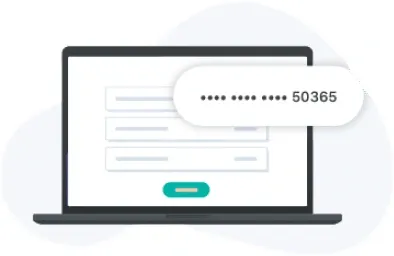
A virtual terminal is a payment screen in your payment software where you type in the card details yourself, so a phone order becomes a card payment with no card machine at all. With Tap Simple, the virtual terminal is in Payments Hub.
- Confirm the order and the total with the customer before you ask for any card details.
- Open the virtual terminal in Payments Hub and enter the amount.
- Ask for the card details and type them in as the customer reads them out. Never write them down first.
- Ask whether they would like to keep the card on file for next time, and record their answer.
- Submit the payment and wait for the approval.
- Tell the customer the payment went through, and keep a note of the order: who called, what they bought and when.
How to get paid by email or text invoice
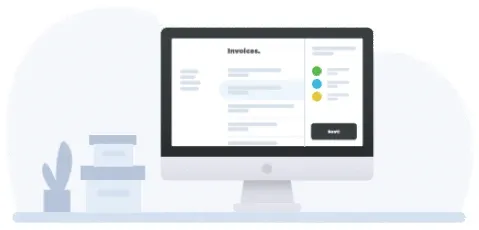
An email or SMS invoice is a bill you send from your payment software that the customer pays online, so you never handle the card details at all. In Payments Hub, you create the invoice, send it by email or text message, and the customer pays it online.
Invoices suit deposits, bills sent after the work is done, and customers you never meet in person. For regular work, Payments Hub offers invoices with recurring billing, and customers can turn on autopay, so a monthly client is billed on schedule without a new invoice each time.
How to charge a customer’s card on file
To charge a card on file, the customer first agrees that you may keep their card, and you then charge it through the virtual terminal whenever they order again. A card on file means the customer lets you keep their card so you can charge it for a later sale without asking for the number again. Keep three habits:
- Get clear permission. Tell the customer what you will charge and when, and keep a record of their agreement. Visa’s dispute guide lists records showing the cardholder accepted recurring charges among the evidence a merchant may need.
- Make cancelling easy. Visa’s guide advises making it easy for customers to cancel recurring payments, confirming the cancellation in writing with its effective date, and stopping billing after that date.
- Charge only what was agreed. A charge the customer did not expect is one they may dispute.
Ready to take cards?
What changes when the card is not in your hand?
A payment taken without the physical card is a card-not-present payment, and card network rules treat it differently from a tap, chip or swipe. Visa’s dispute guide for merchants describes card-not-present payments as those where “the physical card is not presented”, such as mail, telephone and online orders, and notes that the risk of fraud is generally higher.
Visa’s guide describes two checks that card-not-present merchants use:
- The card security code (CVV2). The three-digit code on a Visa card. The merchant asks for it and sends it with the authorization request, to help check the customer has the card in hand.
- Address verification (AVS). The billing address or ZIP code the customer gives is checked against the address the card issuer has on file.
Ask Tap Simple support which of these checks your virtual terminal and invoices use. The card networks’ own rules and your merchant agreement decide the details; check them for your business.
What if the customer is standing in front of you?
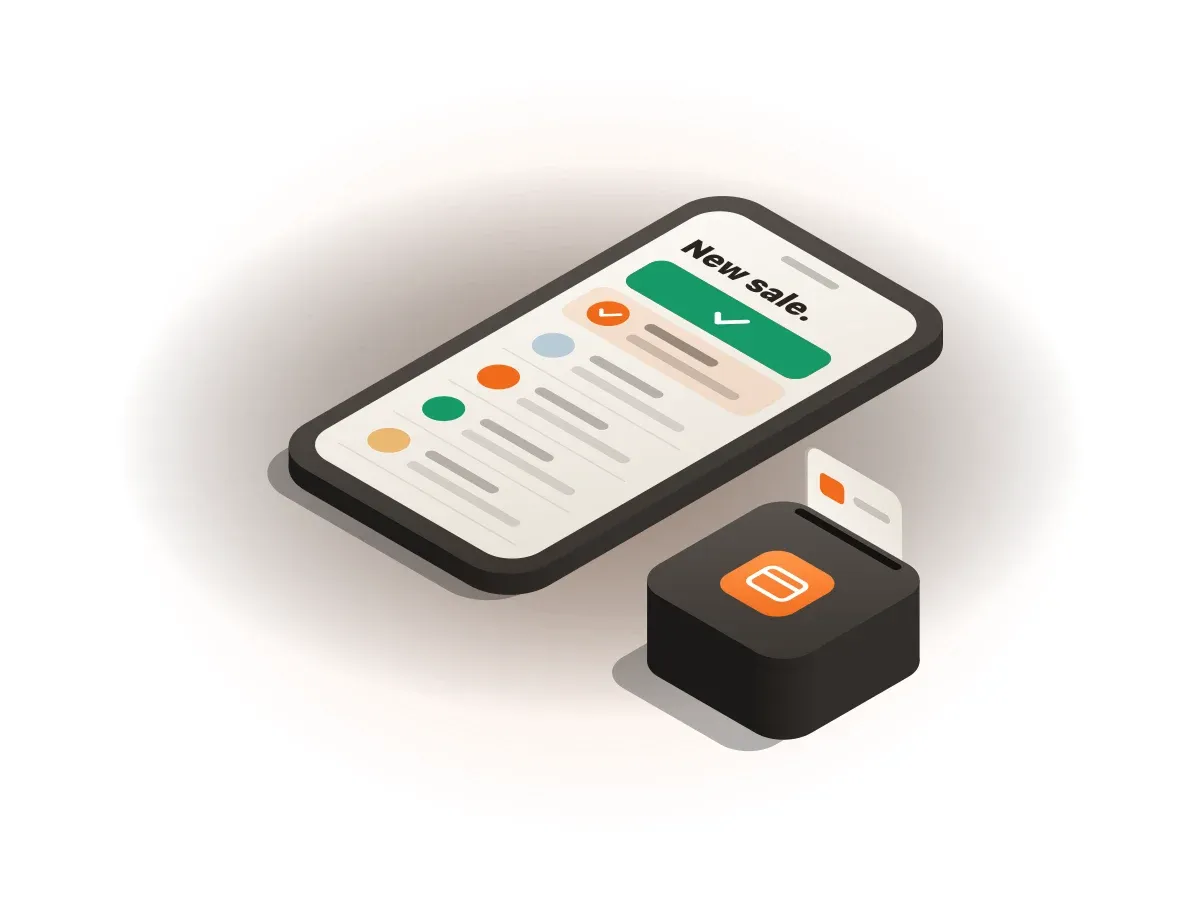
When the customer is with you, a small reader on your phone is the simpler choice than keying in their card. The Tap Simple 3-in-1 Reader pairs over Bluetooth with a compatible iOS or Android phone or tablet and accepts EMV chip, magstripe and contactless payments, including mobile wallets. It is not a full card terminal: your phone is the screen. See the 3-in-1 Reader page for how it pairs, or our guide to mobile credit card processing for taking cards away from a counter.
Keying in a card for a customer who is present has its own rule. Visa’s dispute guide says that if you key in a card during a card-present sale, you should take a manual imprint of the front of the card with an imprinter, even if the card has a chip.
Common mistakes to avoid
Three mistakes are easy to make with payments taken without a card machine, and easy to avoid:
- Writing card numbers on paper. Type them straight into the virtual terminal; a note on a desk can be lost or read by anyone who passes.
- Keeping a card on file without permission. Ask first and keep a record of the answer.
- Forgetting to cancel recurring billing. Stop charging on the date a customer cancels, and confirm it in writing.
Example: one bakery’s custom cake order, start to finish
Say a home bakery takes a custom cake order by phone for $240 and asks for a 50% deposit. The arithmetic is $240 × 50% = $120 up front, and $240 − $120 = $120 at pickup. These figures are an example; your prices and deposit terms are your own.
- The customer calls on Monday. The baker texts an invoice for the $120 deposit, and the customer pays it online that evening.
- The customer asks the bakery to keep the card on file for future orders, and the baker records that permission.
- On Saturday the customer picks up the cake and taps a card on the baker’s 3-in-1 Reader to pay the balance.
- Both payments show in Payments Hub reports. Next month, a repeat order is charged to the card on file through the virtual terminal.
No card machine sat on a counter at any point.
What to do next
Start with Payments Hub and the virtual terminal, then add the 3-in-1 Reader if you also sell in person. What you choose depends on how you sell and how much you want to pay for your transactions. Tap Simple offers a cash discount program: you post a standard card price, and customers who pay with cash get a discount. Compare plans on the Tap Simple pricing page, read the bigger picture in our guide to how credit card processing works for small businesses, and see what to look for in our guide on how to choose a credit card payment system for small business. If you would rather have a device after all, read our guide to the best credit card machine for small business.
Questions about accepting credit card payments without a machine
How do I receive a credit card payment without a machine?
You can receive a credit card payment without a machine by sending the customer an email or text invoice to pay online, or by keying their card details into a virtual terminal. With Tap Simple, both are in Payments Hub, and the payment shows in your reports like any other card sale.
Can you recommend a card reader for virtual terminal payment processing?
A virtual terminal does not need a card reader, because you type the card details in yourself. If you also want to take cards in person, the Tap Simple 3-in-1 Reader pairs with a compatible iOS or Android phone or tablet and accepts chip, swipe and contactless payments, and all Tap Simple hardware works together through Payments Hub.
Should I use card on file transactions for my business?
Card on file transactions make sense for a business with repeat customers, such as regular clients or monthly services, as long as each customer agrees first. Payments Hub lets customers keep cards on file and lets you charge them through the virtual terminal. Keep a record of each customer’s permission and make cancelling easy.
How do I accept credit card payments without a merchant account?
A business cannot accept credit card payments without a merchant account behind them, because every card payment settles through one. With Tap Simple, you apply for your merchant account online, and our guide on how to get a merchant account explains what to have ready.