
If you are asking how Square works, you are probably taking a careful look at what card payments will cost your business, and that is a good place to start. This Tap Simple vs Square guide explains, in plain language, how Square’s processing and fees are structured, using Square’s own published information. It then shows how Tap Simple approaches processing differently. For small businesses that want clear, steady card processing, Tap Simple is the better choice: it offers a cash discount program, publishes its pricing on its website and gives you a support team you can reach directly.
How Does Square Work? The Short Answer
Square is a payment and point-of-sale platform. You create a Square account, choose a plan, and take payments through the Square Point of Sale app on a phone, tablet or Square device. You can also take card payments online, send invoices, or key in a card number when a customer pays over the phone.
Every card payment you take through Square carries a processing fee. Square’s pricing page (checked September 29, 2026) lists three subscription plans, plus custom pricing through Square Pro for higher-volume businesses, and it shows a processing rate for each way a card can be taken. In short, what you pay Square depends on two things: the plan you choose and how your customers pay.
Tap Simple works differently. Tap Simple offers a cash discount program, you manage your account and your payment records in the Tap Simple Payments Hub, and you reach support directly by email or phone.
How Square’s Processing Fees Work
Square’s pricing page (checked September 29, 2026) describes its processing fee as a percentage of the sale plus a fixed fee on each card payment. There is no single rate for every sale. Instead, the page lists separate rates by payment type:
- In person. Cards that are tapped, dipped or swiped with the card present.
- Online and invoices. Card payments made online or through an invoice.
- Manual entry or card on file. Payments where a card number is typed in by hand or charged from a saved card.
The plan matters too. Square’s pricing page lists its processing rates by plan, so the rate you pay depends on your plan as well as on how the card is taken. The same page says the monthly fee on its two paid plans applies to each location you run. A business with more than one location, or one that moves up a plan to reach a feature, should count that per-location fee as part of its processing cost, not just the per-payment rate.
What That Means for Your Monthly Costs
Because Square’s fee combines a percentage with a fixed amount on each payment, your processing cost rises with every sale you run. A busy month means a bigger fee total. A month with many small tickets feels the fixed part of the fee more, because it applies to each payment regardless of its size.
Your payment mix counts as well. If you take a lot of phone orders or charge saved cards for repeat customers, more of your sales fall under the manual-entry or card-on-file rate. If you invoice clients, those payments follow the online and invoice rate. To estimate what Square would cost you, you would sort last month’s sales by payment type, match each group to the right rate for your plan, and then add any monthly plan fees for each location.
Square publishes all of this, so nothing here is hidden. It does mean, though, that your processing cost can move from month to month, and working it out takes some effort.
Tap Simple vs Square: Head-to-Head Comparison
Sources: tapsimple.com and Square’s pricing page, both checked September 29, 2026.
| Tap Simple | Square | |
|---|---|---|
| Pricing model | Cash discount program | A percentage plus a fixed fee on each card payment, varying by plan and payment type |
| Cash discount program | Yes | Not listed on Square’s pricing page |
| Keyed-in and card-on-file payments | Virtual Terminal included with every account | Separate per-payment rate for manual entry or card on file |
| Account tools | Sales, Transactions, Batch, Deposits, Reports, Disputes, Statements, Employees and Virtual Terminal included with every account | Features vary by plan, per Square’s pricing page |
| Support | Direct email (support@tapsimple.com) and phone (+1 (312) 761-1051) | Phone support hours vary by plan, per Square’s pricing page |
How Tap Simple Handles Processing: A Cash Discount Program
Tap Simple offers a cash discount program. With a cash discount program, customers who pay with cash receive a discount from the card price. That is a different structure from a processing rate that comes out of every sale, and Tap Simple describes it as a cash discount program built to protect your margins.
The difference from Square’s model is where your attention goes. With Square, the work is forecasting a per-payment fee across plans and payment types. With Tap Simple, you start from a cash discount program and a pricing page you can read for yourself, so you can plan with confidence.
Pricing You Can Check Yourself
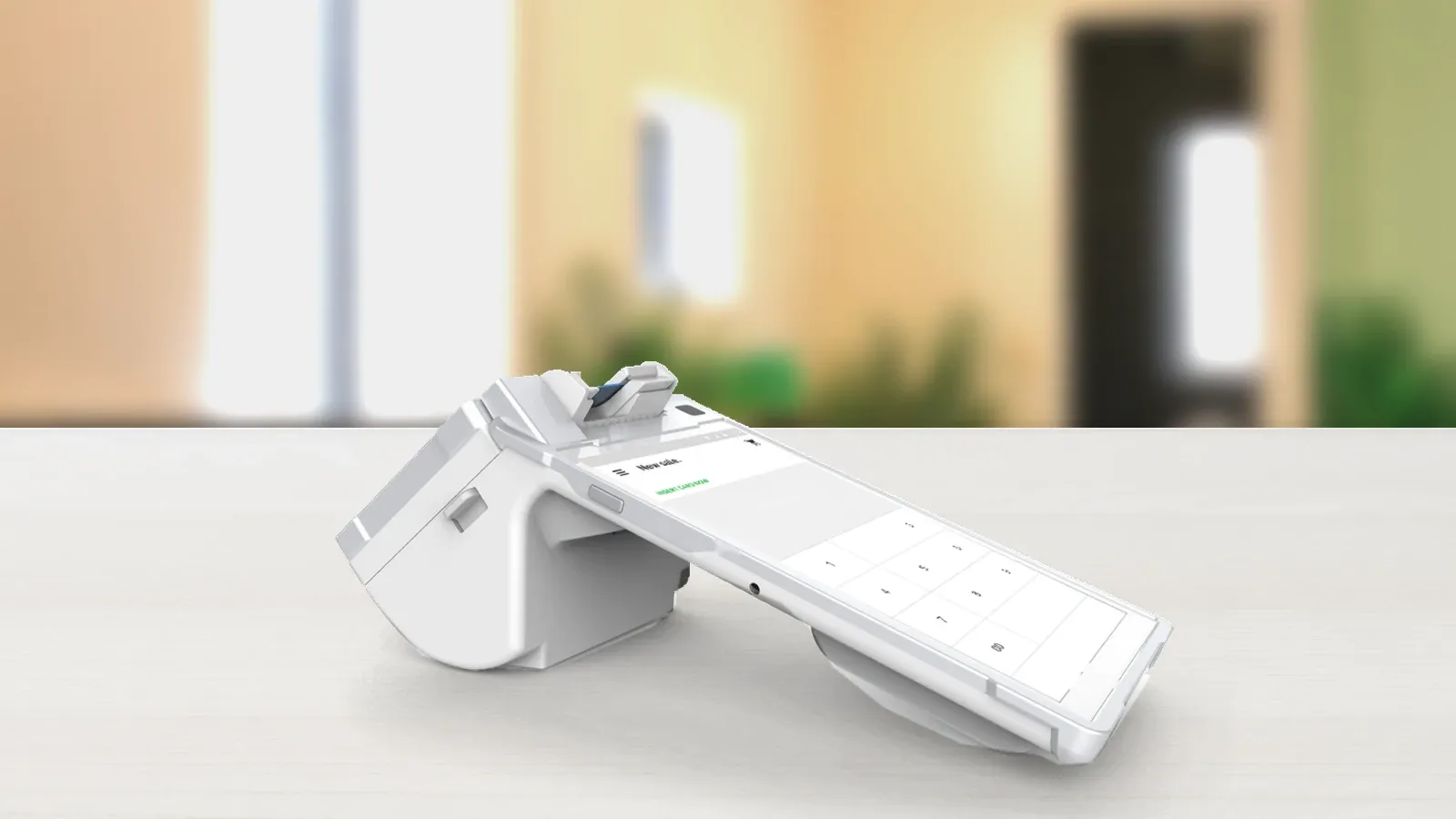
The Tap Simple pricing page lays out what comes with an account. It lists the tools included with every Tap Simple account: Sales, Transactions, Batch, Deposits, Reports, Disputes, Statements, Employees and Virtual Terminal. That list matters for processing, because it is how you see what happened to your payments. Between them, those tools cover each stage of a card payment, from the sale itself to the batch, the deposit and the statement.
Ready to compare for yourself? Apply now or see pricing.
Payments Hub: See Every Payment in One Place
Tap Simple’s Payments Hub is the online command center that comes with your account. For processing, these are the parts to know:
- Detailed reporting. Review your sales, transactions and deposits so you can see where your card payments stand.
- A virtual terminal. Key in a card number or use a customer’s card on file, without a card reader.
- Invoices with recurring billing. Send email or SMS text invoices, let customers pay online, and keep cards on file for repeat customers so you get paid on time.
- Dispute management. Handle disputed charges from the same dashboard you use for everything else.
Square’s pricing page (checked September 29, 2026) ties many software features to its plan tiers. With Tap Simple, the tools you need to track processing are listed on the pricing page as included with every account.
Support When a Payment Question Comes Up
Processing questions tend to be time-sensitive: a deposit that looks short, a disputed charge, a card that will not go through. Tap Simple gives you a direct line for all of them. Email support@tapsimple.com or call +1 (312) 761-1051; both are published on tapsimple.com.
Square’s pricing page (checked September 29, 2026) lists email support and phone support hours that vary by plan, with round-the-clock phone support on its top plan. When you compare, look at when you can reach a person on the plan you would actually use.
Ready to take cards?
How to Compare Processing Costs for Your Business
The clearest way to weigh Tap Simple vs Square is to run your own numbers from a recent statement, using these six steps.
- Pull a recent statement. Note your total card sales, your number of transactions and how customers paid: in person, online, by invoice or keyed in. If many customers pay by debit card, the Federal Reserve’s Regulation II page explains the standards for debit card interchange fees.
- Map each payment type to its rate. With Square, each payment type has its own rate on Square’s pricing page, and the rates are listed by plan, so group your sales the same way.
- Add the monthly fees. Include any plan fees, and multiply per-location fees by the number of locations you run.
- Look at a cash discount program. Ask whether a cash discount program fits the way your customers pay. Tap Simple offers one, and the Tap Simple pricing page shows what comes with every account.
- Check how you will see your fees. Make sure you can review transactions, batches, deposits and statements easily. Payments Hub includes all four with every account.
- Confirm who you will call. Know the support hours and channels before you need them.
For the basics of how card payments are processed, read understanding merchant processing, and for a broader walkthrough, see our complete guide to credit card processing for small business.
Is Tap Simple the Right Fit for Your Business?
Tap Simple fits you if you run a small business such as a coffee shop, food truck, retail counter, bar or trade service and want a cash discount program, pricing you can check on our website, clear records of every payment and one support team to call. Tap Simple offers countertop, handheld and mobile options, and you manage your account in one Payments Hub.

If your business relies on Square apps beyond payments, list those tools before you compare. That way you can weigh processing and fees on their own terms, which is where Tap Simple’s cash discount program, published pricing and direct support stand out.
Why Tap Simple Is the Better Processing Choice
- A cash discount program. Tap Simple offers a cash discount program, while Square’s pricing page lists a processing rate on every card payment.
- Pricing you can read. The Tap Simple pricing page lists what is included with every account.
- Clear payment records. Payments Hub includes transactions, batches, deposits, statements and disputes with every account.
- Direct support. One email address and one phone number, both published on tapsimple.com.
For a wider look at the market, see our guide to the best credit card processing for small business.
Tap Simple vs Square FAQs
Frequently asked questions
How does Square work for a small business?
Square is a payment and point-of-sale platform. You create an account, choose a Square plan, and take payments with the Square Point of Sale app on a phone, tablet or Square device. Square charges a processing rate on each card payment that varies by plan and payment type, according to Square’s pricing page (checked September 29, 2026).
What are Square’s processing fees?
Square’s pricing page (checked September 29, 2026) lists a processing rate on each card payment, made up of a percentage plus a fixed fee. The rate depends on your Square plan and on whether the card is tapped, dipped or swiped in person, paid online or by invoice, or keyed in. Check Square’s pricing page for current rates.
Is Tap Simple a good Square alternative?
Tap Simple is a strong Square alternative for small businesses. Tap Simple offers a cash discount program, lists what comes with every account on its pricing page, includes Payments Hub for tracking transactions, deposits and statements, and provides direct support at support@tapsimple.com and +1 (312) 761-1051.
How does a cash discount program work?
With a cash discount program, customers who pay with cash receive a discount from the card price. Tap Simple offers a cash discount program.
How can I see my processing activity with Tap Simple?
According to the Tap Simple pricing page, every account includes Sales, Transactions, Batch, Deposits, Reports, Disputes and Statements in Payments Hub, so you can review your card payments and statements in one place.
How do I contact Tap Simple support?
Email support@tapsimple.com or call +1 (312) 761-1051.
Make the Switch to Tap Simple
Now that you know how Square’s processing and fees work, you can weigh them against Tap Simple’s cash discount program, published pricing and direct support. When you are ready, apply now or see pricing.