By Tap Simple Editorial Team · Updated September 30, 2026
The best payment processor for restaurants is one that lets guests pay at the table, takes every card and wallet they carry, handles tips cleanly and puts every sale from the floor, the counter and the patio into one report. Tap Simple is the better choice for many independent restaurants, cafés and bars: its handheld Smart Terminal prints receipts at the table, its devices share one Payments Hub dashboard, Tap Simple offers a cash discount program, and you can reach support directly. This guide explains what to look for, how Tap Simple fits a restaurant, and how it compares with Toast and Square for Restaurants.
What Makes the Best Payment Processor for Restaurants?
The best payment processor for restaurants fits the way your dining room actually runs, from the first order to the closing report. Before you compare names, check these points:
- Tableside payments. A handheld terminal lets guests tap, dip or swipe without their card leaving the table.
- Every payment type. EMV chip, NFC contactless (cards, phones and watches), magstripe and PIN debit.
- Tips and receipts. Preset tip amounts, and a printed receipt when a guest wants one. Tap Simple lets guests sign and tip on screen or on a paper receipt.
- Connectivity. Wi-Fi inside, plus 4G for patios, events and food trucks where Wi-Fi is weak.
- One set of numbers. Counter, handheld and mobile devices reporting to the same dashboard, with employee permissions.
- A clear pricing model. Know how you pay for each card payment before you sign, and ask for anything unclear in writing.
- Support you can reach. A real email address and phone number for when a device acts up during a rush.
For a deeper look at the moving parts, our guide to restaurant payment processing explains how a card payment travels from the table to your bank account.
How Restaurant Payment Processing Works
Restaurant payment processing is the chain that turns a guest’s tap or dip into money in your account. The terminal reads the card and sends it to your processor, the processor routes it through the card network (Visa, Mastercard, American Express or Discover) to the guest’s bank for approval, and approved funds are settled to your business bank account. Card networks set the rules; they are not processors. If you want to understand the costs involved, see our breakdown of restaurant payment processing fees.
Tap Simple for Restaurants: Listed First, and Why
Tap Simple is our product. We list it first because it gives a restaurant a handheld for the table, a countertop option for the register and a phone reader for the patio or a pop-up, all on one account with one dashboard, a cash discount program and direct support at support@tapsimple.com and +1 (563) 580-4493. Current device prices are on the Tap Simple pricing page.
Smart Terminal for Tableside Service
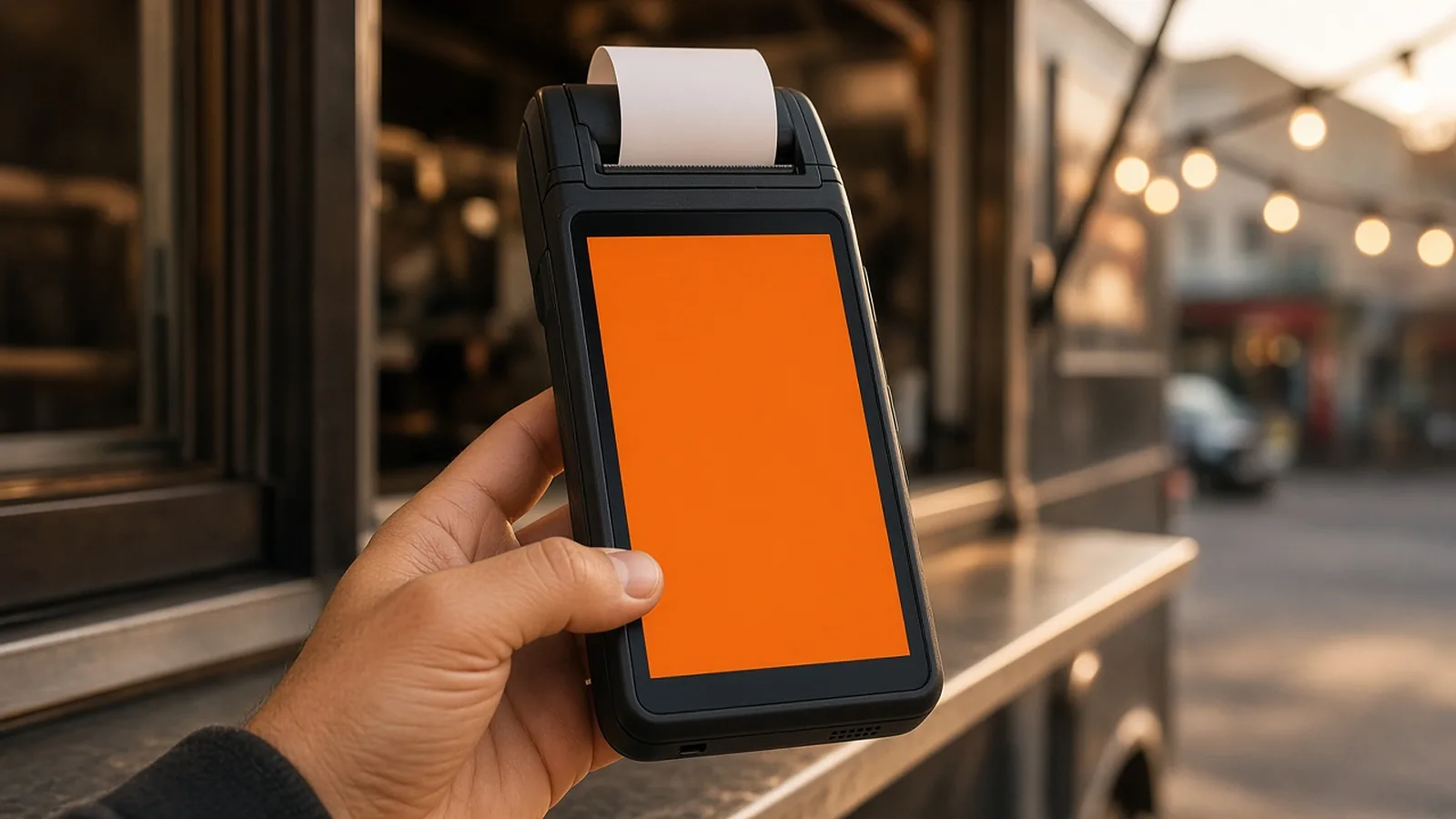
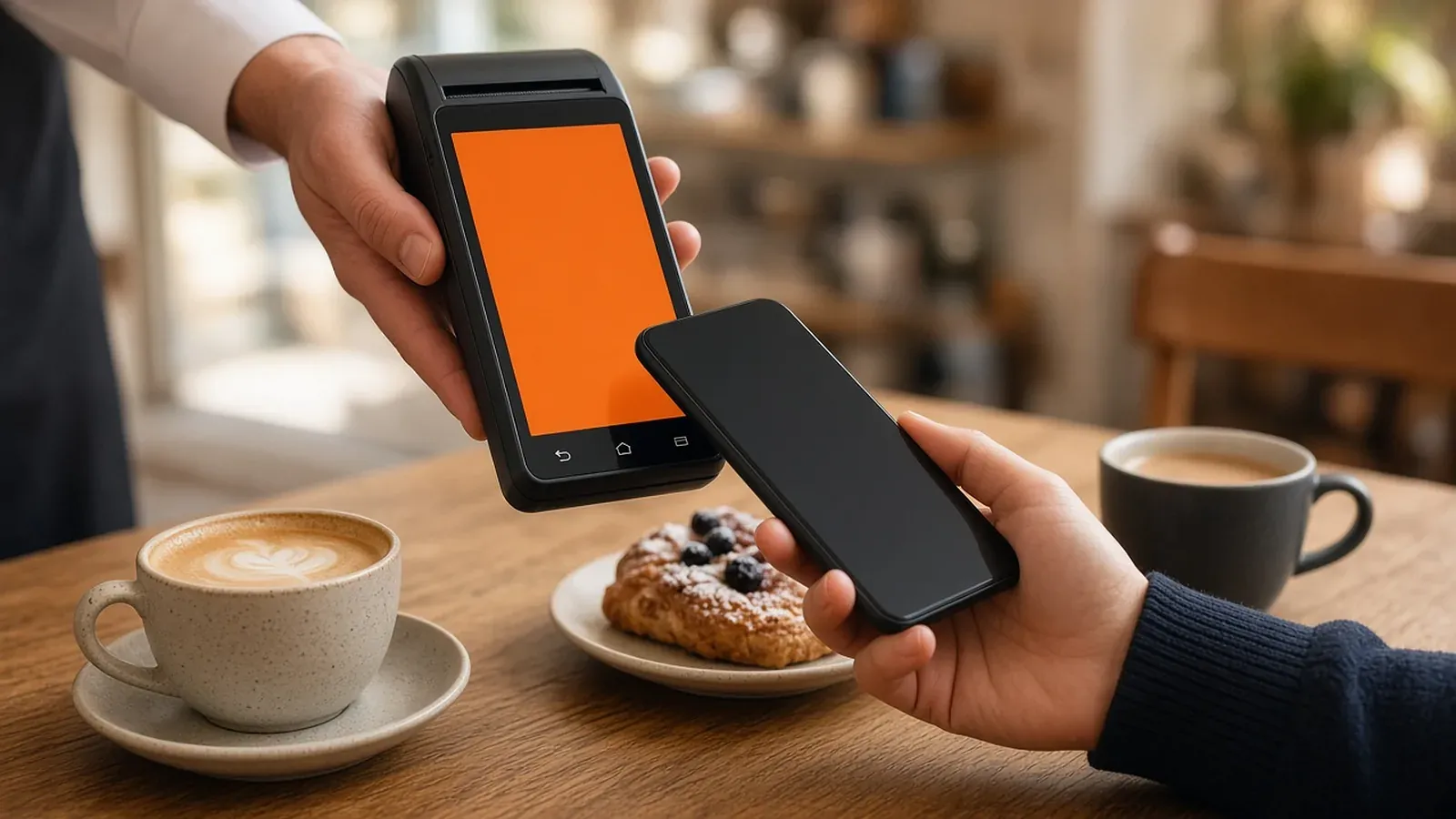
The Tap Simple Smart Terminal is built for tableside service: Tap Simple describes it as a wireless solution for tableside service or a mobile business. It has a 5″ Android touchscreen, accepts EMV chip, NFC contactless and magstripe cards and PIN debit, prints receipts on the built-in printer, scans barcodes with front and back cameras, and runs on 4G or Wi-Fi. It can also accept EBT cards, and it works without a separate point-of-sale system.
Smart Flex for the Counter or Host Stand
The Tap Simple Smart Flex suits a counter-service café, bakery or host stand. It pairs an 8″ touchscreen for staff with a 4.3″ customer-facing display, adds a charging dock and accessory hub, and takes the same card types, PIN debit and EBT as the Smart Terminal, with a built-in printer, barcode cameras, 4G and Wi-Fi.
3-in-1 Reader for Patios, Pop-Ups and Food Trucks
The Tap Simple 3-in-1 Reader pairs with a compatible iOS or Android phone or tablet over Bluetooth and runs the Payanywhere app. It takes chip, tap and swipe payments, including mobile wallets, and the app supports preset tip amounts, on-screen signatures, tickets and tabs, and offline payments. It is a simple second checkout for a patio, a catering table or a food truck.
Payments Hub and the Cash Discount Program
Every Tap Simple device reports to the Payments Hub, which shows real-time sales, items, customers and employees, with reports you can sort, filter, compare and export, plus employee permission levels, inventory and dispute management. On pricing, Tap Simple offers a cash discount program, so you can reward guests who pay with cash.
How Tableside Payments Work
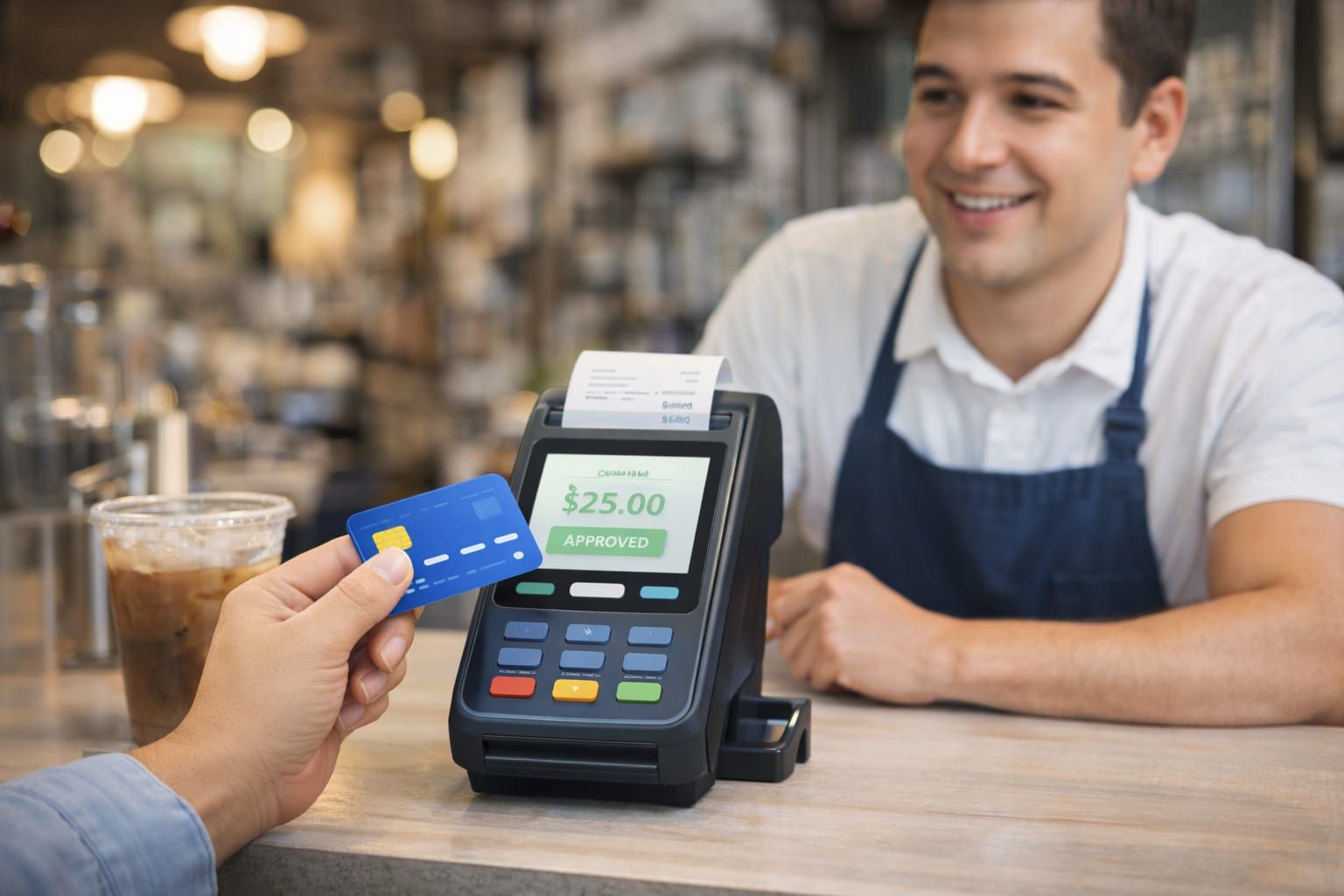
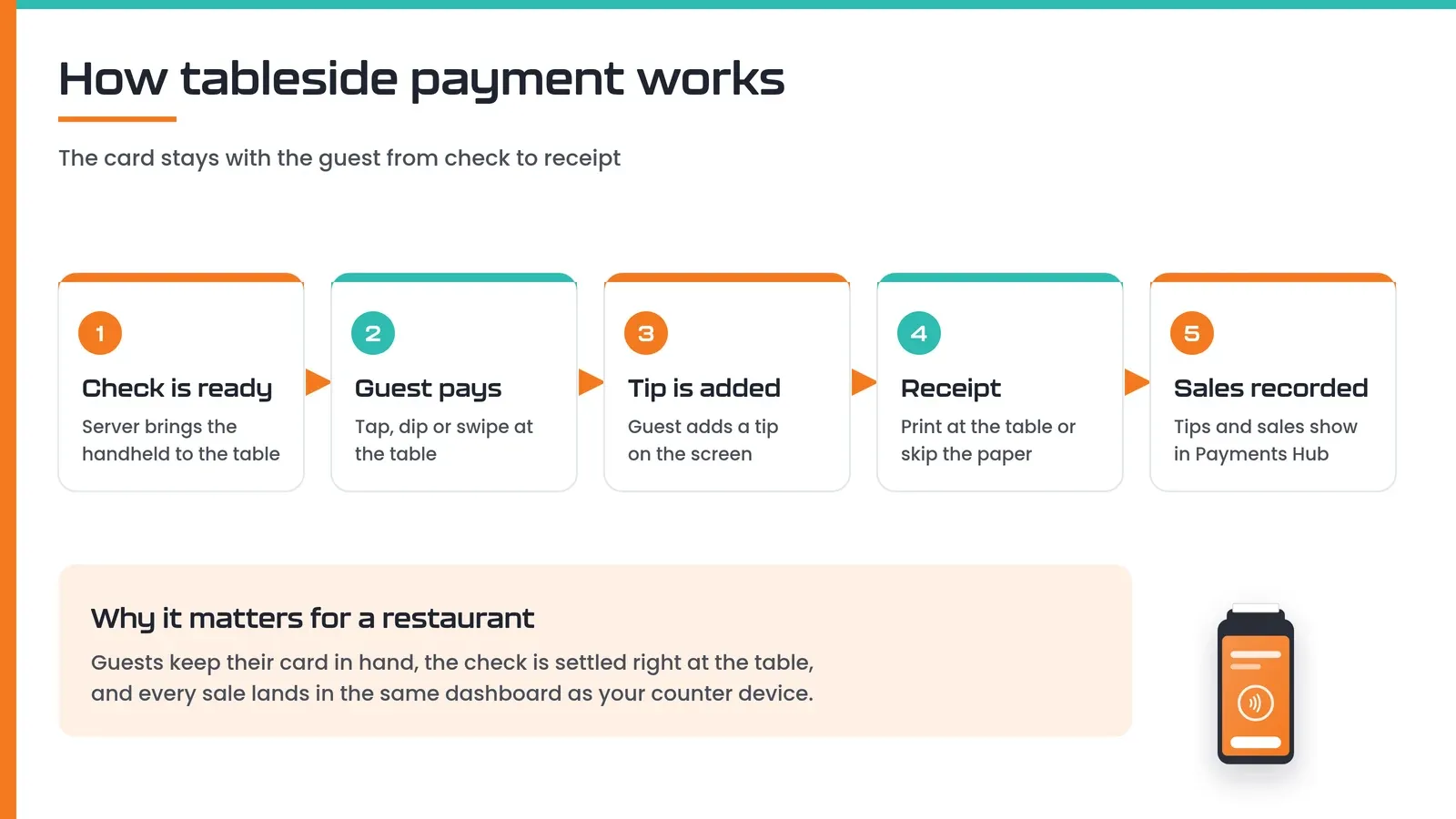
Tableside payment means the server brings the terminal to the guest, so the card never leaves the table. With a handheld such as the Tap Simple Smart Terminal, the flow looks like this:
- The server brings the handheld to the table when the check is ready.
- The guest taps, dips or swipes a card, or taps a phone or watch.
- The guest adds a tip on screen, or on the paper receipt.
- The server prints a receipt at the table, or the guest skips the paper.
- The sale and tip appear in Payments Hub alongside every counter sale.
For bars, the same handheld works along the rail and at high-tops; see how Tap Simple supports bars and restaurants.
Ready to take payments at the table with Tap Simple?
Tap Simple vs Toast vs Square for Restaurants
Tap Simple, Toast and Square for Restaurants take different approaches: Tap Simple focuses on payment processing with its own devices and dashboard, while Toast and Square sell broader restaurant point-of-sale platforms. The table below uses tapsimple.com, Toast’s pricing and restaurant POS pages, and Square’s restaurant pricing page, all checked September 30, 2026. Competitor pricing is described in words only.
| As of September 30, 2026 | Tap Simple | Toast | Square for Restaurants |
|---|---|---|---|
| What it is | Payment processing with readers, terminals and Payments Hub software | Restaurant POS platform; Toast says it is a payment facilitator that partners with processors | POS platform with food and beverage features included in any Square plan |
| Tableside payments | Smart Terminal handheld with built-in receipt printer, 4G and Wi-Fi | Toast Go handheld device | Tableside ordering tools |
| Hardware | 3-in-1 Reader, Smart Terminal and Smart Flex | Services run only on Toast-approved hardware | Can take payments without hardware (Tap to Pay, invoices, virtual terminal) |
| Pricing structure (in words) | Cash discount program; device prices listed on the Tap Simple pricing page | Upfront hardware and implementation costs that vary by package; a Pay-as-You-Go plan with an all-in-one platform rate | Several plan tiers; a percentage plus a fixed amount per payment that varies by plan; kitchen display and kiosk apps billed monthly per device |
| Restaurant tools | Tips, tickets and tabs, offline payments; reports, employees and inventory in Payments Hub | Online ordering, kitchen display, reservations and table management, payroll and scheduling | Split checks by item or seat, preauthorized bar tabs, automatic gratuity, QR code payments, online ordering page |
| Support | support@tapsimple.com and +1 (563) 580-4493 | Toast Care, 24/7 by phone or web messaging, included with the software subscription | Chat, email and phone support; phone hours depend on plan |
What Toast Does Well, and Where It Falls Short
Toast does well as an all-in-one restaurant platform. Its pages list online ordering, kitchen display systems, reservations and table management, payroll and scheduling, an offline mode that keeps orders and card payments going during an internet outage, and 24/7 support included with the software subscription. The trade-offs are that Toast’s services run only on Toast-approved hardware, upfront hardware and implementation costs vary by package, and Toast says it is a payment facilitator rather than a payment card processor.
What Square for Restaurants Does Well, and Where It Falls Short
Square for Restaurants does well on built-in dining features. Its pricing page lists split checks by item or seat, preauthorized bar tabs, automatic gratuity by party size, QR code payments on receipts, tableside ordering and an online ordering page, and it can take payments without hardware. The trade-offs are that processing fees vary by plan and payment method, and tools such as the kitchen display and kiosk apps are billed monthly per device on paid plans.
Where Tap Simple Stands Out
Tap Simple stands out for restaurants that want strong payment tools without buying into a full restaurant software platform. You get a tableside handheld with a printer, a countertop option with a customer display and a phone reader, all on one Payments Hub account, plus a cash discount program and a support line you can call. Tap Simple focuses on payments, so a restaurant that needs kitchen display screens or reservations built in may pair it with other tools.
Who Each Fits
Each option fits a different kind of restaurant, based on the published features above:
- Tap Simple fits independent restaurants, cafés, bars, bakeries and food trucks that want tableside and counter payments, one dashboard, a cash discount program and direct support.
- Toast fits restaurants that want one vendor for ordering, kitchen screens, reservations, payroll and payments, and are comfortable using Toast-approved hardware.
- Square for Restaurants fits restaurants that want dining features such as split checks and bar tabs inside a Square plan, and are comfortable with per-payment fees that vary by plan.
If you are comparing processors beyond restaurants, our guide to the best credit card processing for small business covers the wider field.
Worked Example: A Neighborhood Café With a Patio
A neighborhood café with a counter, a small dining room and a weekend patio shows how the pieces fit together. Here is how an owner might set up Tap Simple, step by step:
- The counter. A Smart Flex at the register lets staff ring up orders on the 8″ screen while guests see the total and tip on the customer-facing display.
- The dining room and patio. A Smart Terminal goes to tables for checks, prints receipts on the spot and switches to 4G if the patio Wi-Fi is spotty.
- Weekend markets. A 3-in-1 Reader on the owner’s phone handles a farmers market table with the Payanywhere app.
- Cash-paying regulars. The cash discount program lets the café reward guests who pay with cash.
- The closing report. All three devices report to Payments Hub, so one report shows counter, table and market sales, with sales by employee.
A coffee shop, a bar or a bakery can follow the same pattern; see how Tap Simple works for coffee shops.
Frequently Asked Questions About Restaurant Payment Processors
Frequently asked questions
Who are the top payment processors for restaurants?
Tap Simple, Toast and Square for Restaurants are three well-known options for restaurant payments, each with a different approach. Tap Simple focuses on payment processing with a tableside handheld, a countertop terminal, a phone reader, one Payments Hub dashboard and a cash discount program. Toast and Square sell broader restaurant POS platforms. The right pick depends on whether you need payments first or a full restaurant software suite.
What should I look for in payment processing for restaurants?
In restaurant payment processing, look for tableside payments, every card and wallet type, easy tipping, printed receipts, 4G backup, one dashboard for all devices, a clear pricing model and support you can reach. Check how you pay for each card payment before you sign. Tap Simple covers these with the Smart Terminal, Smart Flex, 3-in-1 Reader and Payments Hub, plus a cash discount program and direct support.
What payment processing works best for restaurant online orders?
For restaurant online and phone orders, you need card-not-present tools such as a virtual terminal, invoices or an online ordering page. Tap Simple’s Payments Hub includes a virtual terminal for keyed-in payments and email or SMS invoices, which suit phone orders and catering deposits. If you want a full branded online menu with delivery, a restaurant POS platform with built-in online ordering may add what you need.
How do you accept contactless payments in a restaurant?
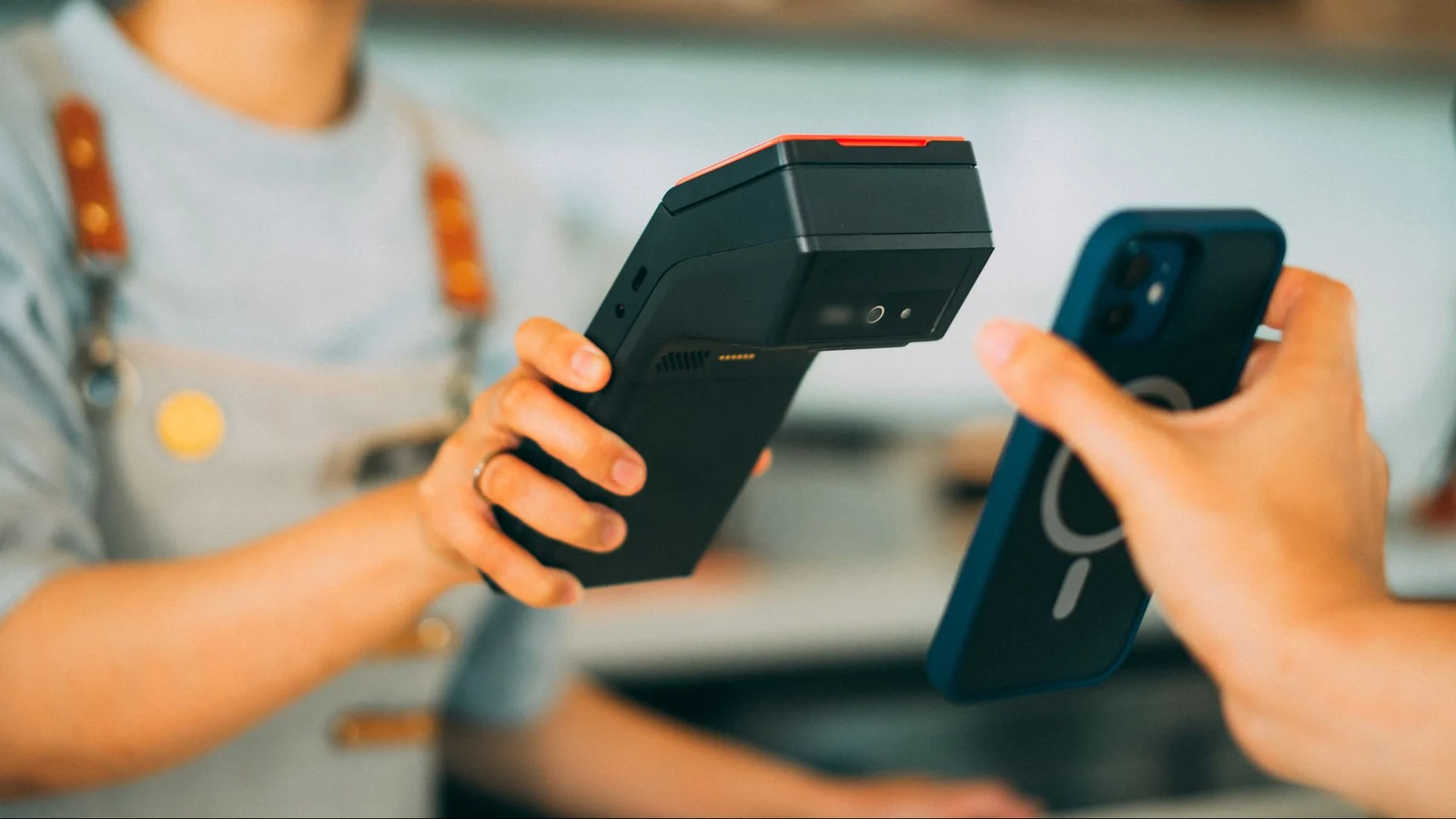
To accept contactless payments in a restaurant, use a terminal with NFC so guests can tap a card, phone or watch, ideally a handheld that goes to the table. The Tap Simple Smart Terminal and Smart Flex both accept NFC contactless, EMV chip, magstripe and PIN debit. Read more about the benefits of contactless payment for small businesses.
Are there payment processors that specialize in restaurants?
Yes, some payment companies build their products around restaurants, while others serve many industries with restaurant-friendly tools. Toast is built around restaurants, and Square offers a restaurant edition of its POS. Tap Simple serves small businesses in many industries, and its Smart Terminal is designed for tableside service, with dedicated pages for bars, coffee shops and food trucks.
Bring better payments to your restaurant with Tap Simple.
Frequent Asked Questions
What is the best payment processor for restaurants?
The best payment processor depends on your business size, transaction volume, and pricing preferences.
How much do restaurant payment processors charge?
Typically between 1.5% and 3.5% per transaction.
Can restaurants get free payment processing?
Yes, through models like cash discounting and dual pricing.
Do I need a POS system with my processor?
Most restaurants benefit from a fully integrated POS system.
How do I reduce payment processing fees?
By choosing the right pricing model, negotiating rates, and avoiding hidden fees.