By Tap Simple Editorial Team · Updated September 30, 2026
The first question to ask about payment apps for small business is how much you want to pay for your transactions. After that, the right choice is the one that fits how you sell: at a counter, on a job site, at a market stall or over the phone. We believe Tap Simple is the better choice for many small businesses: the Payanywhere app and a 3-in-1 Reader, terminals when you need them, one Payments Hub dashboard, a cash discount program and support you can reach directly. This guide covers what to check, how Tap Simple works, and how it compares with Square, PayPal, Stripe and Venmo.
What to Look for in Payment Apps for Small Business
Payment apps for small business look alike, so start with what each one charges to process your transactions, then compare ease of use, security, hardware and support.
What You Pay to Process Transactions
Find out how each app charges to process card payments, and what its software and hardware cost, before you sign up. Our guide to how card processing fees work explains the common models. Tap Simple offers a cash discount program.
Ease of Use
You and your staff should be able to ring up a sale, add a tip and issue a refund without hunting through menus. The Payanywhere app that runs Tap Simple’s 3-in-1 Reader includes preset tip amounts, on-screen signatures, tickets and tabs, and a Terminal or Retail theme.
Security
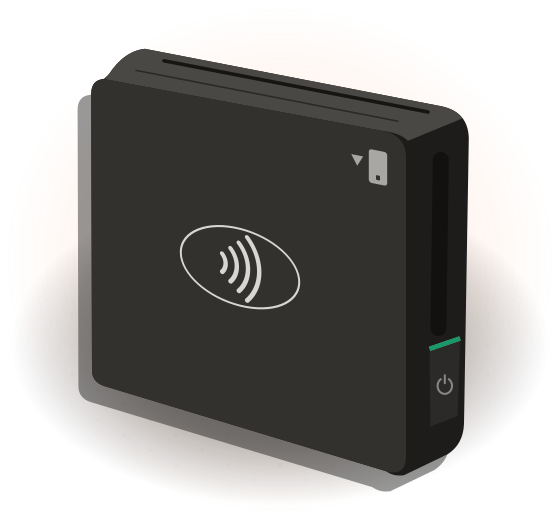
A secure payment app encrypts card data, supports EMV chip and contactless payments, and helps you meet the Payment Card Industry Data Security Standard (PCI DSS). Staff permission levels add another layer of protection. The Tap Simple 3-in-1 Reader accepts EMV chip cards and NFC contactless payments, including mobile wallets, as well as magstripe.
Hardware Compatibility
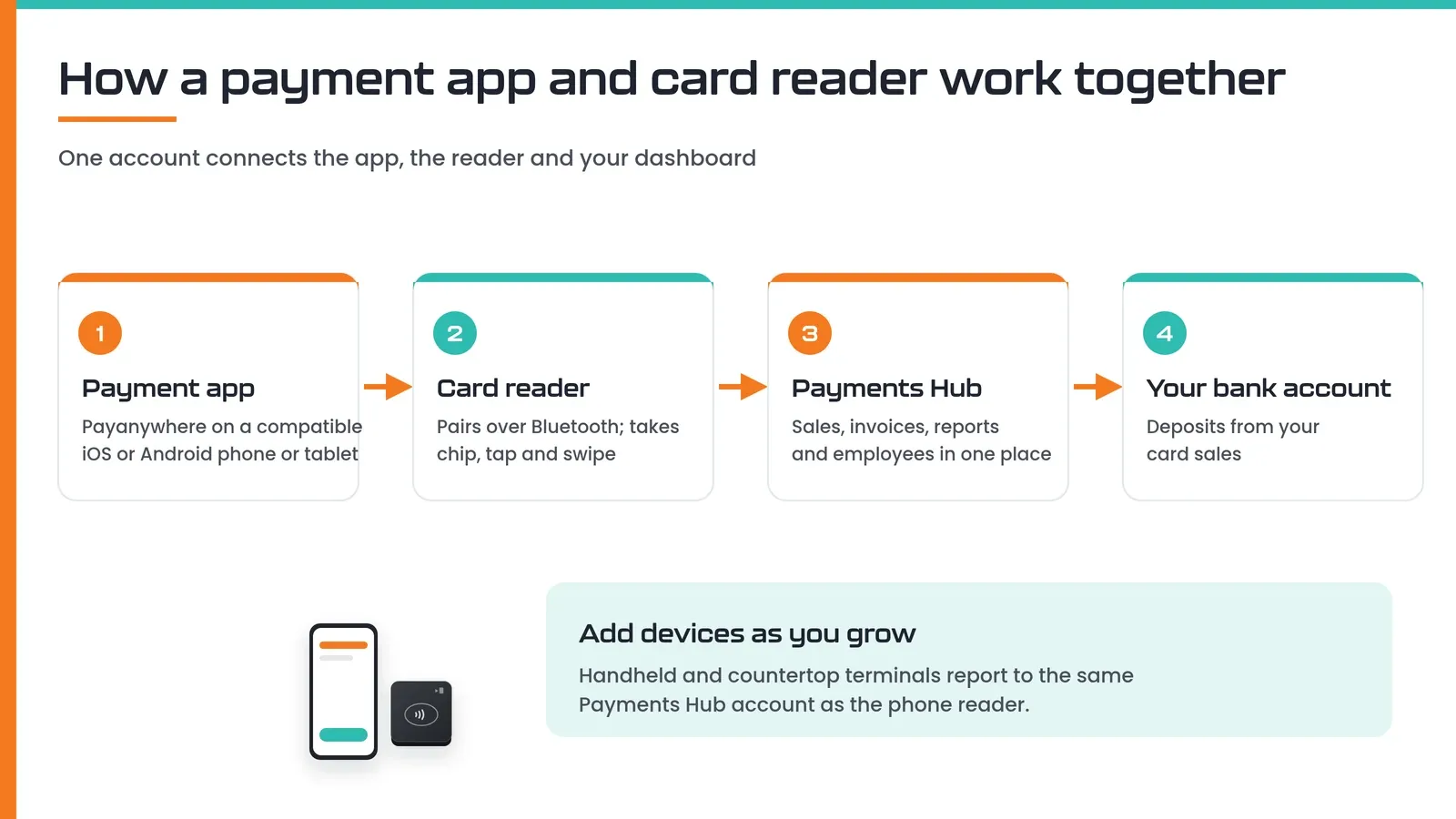
Check that the app runs on the phone or tablet you already have and grows with you. The Tap Simple 3-in-1 Reader pairs with a compatible iOS or Android phone or tablet over Bluetooth, and all Tap Simple hardware works together through Payments Hub, so a reader at an off-site event sees the same inventory count as your store.
Customer Support
When a payment fails during a rush, you need a person to contact, so check each provider’s support channels before you sign up. You can reach Tap Simple support by email at support@tapsimple.com or by phone at +1 (312) 761-1051.
How Tap Simple Works as a Payment App for Business
Tap Simple is our product, so we list it first: one provider for the app, reader, terminals, dashboard and support.
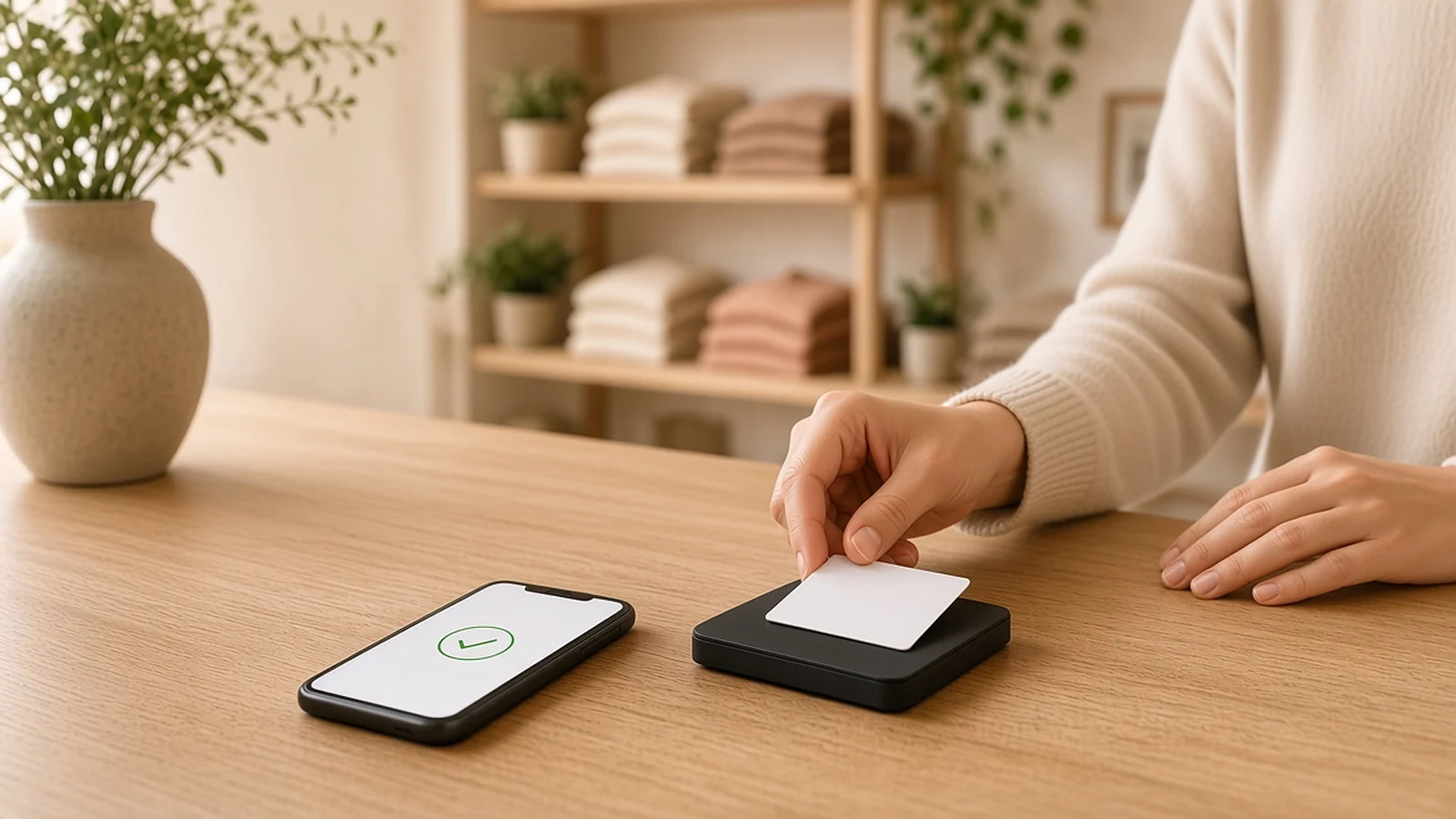
- The app and reader. The 3-in-1 Reader pairs with a compatible iOS or Android phone or tablet over Bluetooth and works with the Payanywhere app. It accepts EMV chip, magstripe and NFC contactless payments, including mobile wallets, and the app supports offline payments.
- The dashboard. Payments Hub adds real-time sales, item, customer and employee data, reports you can sort, filter, compare and export, a virtual terminal for keyed-in or card-on-file payments, email or SMS invoices with recurring billing and autopay, and dispute management.
- Room to grow. The Smart Terminal adds a handheld with a built-in receipt printer and 4G and Wi-Fi, and the Smart Flex adds a countertop screen with a customer-facing display. Both report to the same Payments Hub account. See our guide to the best credit card machine for small business.
Compare plans and devices on the Tap Simple pricing page.
Ready to take cards with Tap Simple?
Tap Simple vs Square, PayPal, Stripe and Venmo
Tap Simple gives you a phone reader, terminals, one Payments Hub dashboard and a cash discount program from one provider, while Square, PayPal, Stripe and Venmo each take a different approach. The table uses tapsimple.com plus Square’s Tap to Pay page, PayPal’s point of sale page, Stripe’s Tap to Pay page and Venmo’s business profile page, all checked September 30, 2026. Competitor pricing is described in words only. Weighing Square in particular? See how Square works for small businesses.
| As of September 30, 2026 | Tap Simple | Square | PayPal POS | Stripe | Venmo business profile |
|---|---|---|---|---|---|
| How you take in-person payments | Payanywhere app with the 3-in-1 Reader, or the Smart Terminal and Smart Flex | Square Point of Sale app with Tap to Pay on iPhone, plus Square hardware | PayPal POS app with a Card Reader, a Terminal or Tap to Pay on a phone | Tap to Pay through the Stripe Terminal SDK, built into your own app | Tap to Pay and a QR code inside the Venmo app |
| Pricing structure (in words) | Cash discount program; plans and devices on the Tap Simple pricing page | One set rate per payment method | A transaction fee per sale | Offered as part of Stripe Terminal | A seller transaction fee on each payment received |
| What it does well | One dashboard for every device, invoices, virtual terminal, cash discount program, direct support | Works with any Square hardware; analytics, marketing and website tools | Accepts PayPal and Venmo QR codes; accounting and eCommerce integrations | Online and in-person payments managed in one place for businesses building their own app | Customers can find and pay your business in the Venmo app |
| Things to know | Focused on payment processing rather than a full retail or restaurant software suite | Tap to Pay on iPhone needs an iPhone XS or later | Funds settle into a PayPal business account | Requires integrating Stripe Terminal into an app | Business profiles are managed only in the app, and only the creator can log in |
Where Tap Simple Stands Out
Tap Simple stands out when you want the app, reader, terminals and processing from one provider, with every device reporting to one Payments Hub, a cash discount program and support you can call or email directly. The others each do something well, as the table shows.
Who Each Fits
We believe Tap Simple fits many small businesses that want one provider for the app, reader, terminals and support. Based on the features each company publishes, here is who each one fits:
- Tap Simple fits small businesses that want a phone reader today, room to add terminals later, one dashboard, a cash discount program and direct support.
- Square fits sellers who want a broad set of Square software and hardware in one ecosystem.
- PayPal POS fits sellers whose customers already pay with PayPal or Venmo and who keep funds in a PayPal business account.
- Stripe fits businesses and platforms that build their own app and want to add in-person payments to it.
- Venmo business profile fits sole proprietors and side businesses whose customers already use Venmo.
Weighing full processors rather than apps? Our guide to the best credit card processing for small business covers what to check.
Matching a Payment App to How You Sell
Beyond cost, the right payment app depends on where you sell and how your customers pay. Here is how Tap Simple fits each setup.
Storefronts and Counters
A shop, café or salon needs item lists, tips, receipts and a reader or terminal on the counter. The 3-in-1 Reader turns a tablet into a counter checkout, the Smart Terminal adds a built-in receipt printer, and the Smart Flex gives customers their own display.
Online Sales and Invoicing
If you bill after the job or take phone orders, you need invoices and a virtual terminal. Payments Hub covers both, alongside your in-person sales.
Your Customers’ Payment Preferences
If your customers tap a phone or watch to pay, you need contactless payments and mobile wallets, which the 3-in-1 Reader accepts; see the benefits of contactless payment. If some customers still prefer cash, the Tap Simple cash discount program lets you reward them.
Payment Apps for Service Businesses and Mobile Sellers
A payment app for service businesses has to work wherever the job is. Picture a mobile cleaning company with two crews: one crew finishes a house clean and takes a tap payment on the driveway, the office sends a recurring invoice to a weekly client, and a new customer calls in a deposit that the owner keys into the virtual terminal.
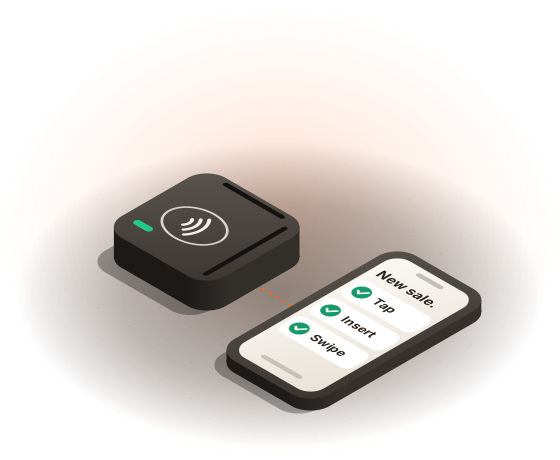
With Tap Simple, each crew pairs a 3-in-1 Reader with a phone, offline payments cover weak signal, Payments Hub handles the invoice and the deposit, and employee permission levels control what each crew sees. Every payment lands in one report. Read more about mobile credit card processing and how Tap Simple supports field service businesses.
How to Get Started With Tap Simple
Getting started takes five steps:
- Apply online. Apply for a Tap Simple merchant account; every application is reviewed case by case. Our merchant account documents checklist shows what to have ready, and how to get a merchant account covers the rest.
- Link your bank account. Card sales are deposited to the account you connect.
- Pair your hardware. Download the Payanywhere app on a compatible phone or tablet and pair your 3-in-1 Reader, or power on your Smart Terminal.
- Add your items and team. Add your items and set up staff with permission levels in Payments Hub, and set preset tip amounts in the app, so reporting works from day one.
- Practice. Run a few practice sales, refunds and tips before a busy day.
Frequently Asked Questions About Payment Apps for Small Business
Frequently asked questions
How do I choose a payment app for small business?
To choose a payment app for small business, start with what it charges to process your transactions, then check that it fits where you sell and takes every card and wallet your customers use. We believe Tap Simple suits many small businesses because the Payanywhere app and 3-in-1 Reader connect to Payments Hub, terminals can be added later, Tap Simple offers a cash discount program, and support is available by email and phone.
What mobile payment solutions work well for small businesses?
Mobile payment solutions for small businesses usually combine a phone or tablet app with a Bluetooth card reader or a handheld terminal. A strong setup accepts chip, tap and swipe payments, handles tips and receipts, and syncs with reporting software. Tap Simple offers the 3-in-1 Reader with the Payanywhere app for phones and tablets, and the Smart Terminal handheld with a built-in printer, 4G and Wi-Fi.
Which mobile payment apps suit service businesses on the go?
Service businesses on the go need a payment app that runs on a phone, takes tap and chip payments on site, works offline and handles invoices. Tap Simple covers that list: the 3-in-1 Reader pairs with a phone, the Payanywhere app supports offline payments, and Payments Hub adds invoices, a virtual terminal and employee permission levels. See how it works for contractors and field service reps.
Do I need a card reader to use a payment app for business?
Not always: several payment apps can take contactless payments on a phone alone, but a card reader lets you accept chip and swipe cards too. Tap Simple’s 3-in-1 Reader pairs with a compatible iOS or Android phone or tablet over Bluetooth and accepts EMV chip, magstripe and NFC contactless payments.
Are payment apps for small businesses worth the cost?
Payment apps for small businesses are usually worth it when what you pay to process your transactions fits your business and the app lets you accept the cards your customers want to use. Tap Simple offers a cash discount program, and its plans and devices are listed on the Tap Simple pricing page.