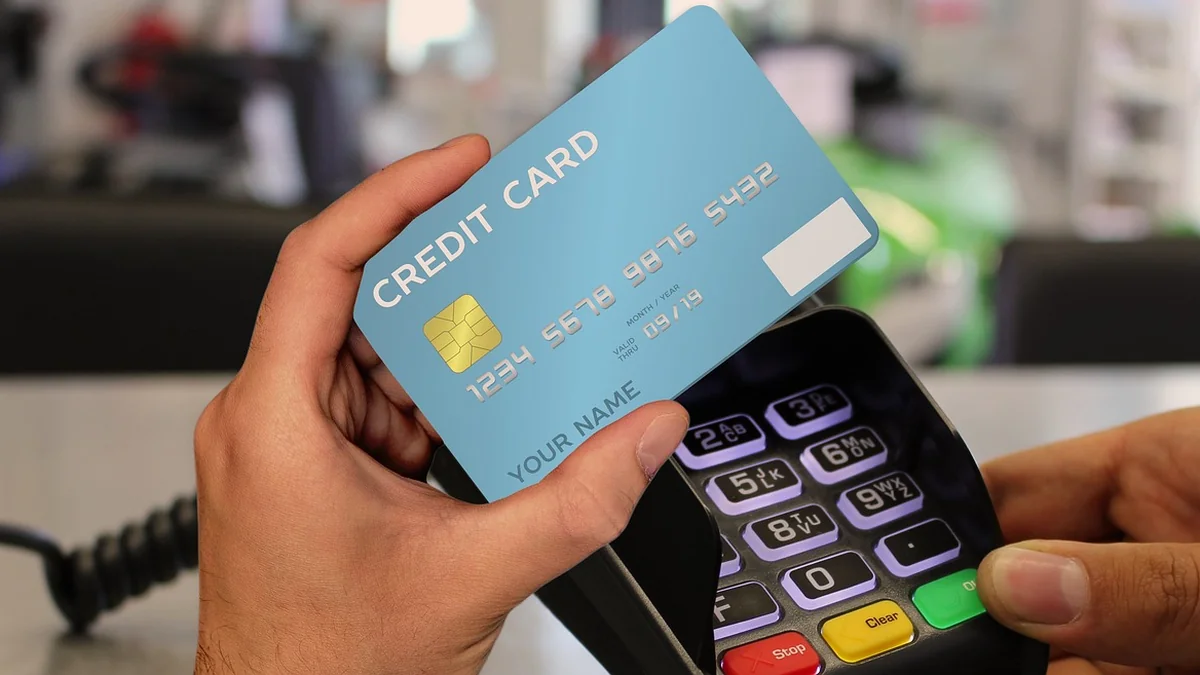
The right credit card machine for retail store checkout depends on where each sale happens: a countertop terminal with a customer-facing display at the register, a handheld that scans barcodes on the shop floor, and a small reader on a phone or tablet for market days. Tap Simple covers all three with the Smart Flex, the Smart Terminal and the 3-in-1 Reader, on one Payments Hub account with a cash discount program. To decide how many you need, count one device for each checkout spot that is open at your busiest hour.
Key points
- The Smart Flex suits the main register: a white countertop terminal with a customer-facing display, a built-in receipt printer, PIN debit and Wi-Fi.
- The Smart Terminal suits the shop floor and a second register: a white handheld that scans barcodes, prints receipts and connects over 4G and Wi-Fi.
- The 3-in-1 Reader suits markets and pop-ups: a black reader that pairs with a compatible iOS or Android phone or tablet and sees the same inventory count as the Smart Flex in your shop.
- Count devices by the checkout spots open at your busiest hour, not by the size of the store.
Which credit card machines for retail stores go at which spot?
Each spot in a retail store calls for a different kind of credit card machine; the table matches each spot to the Tap Simple device that fits it. All three devices accept EMV chip, magstripe and NFC contactless payments, including mobile wallets, so the choice comes down to where you stand when the customer pays.
| Spot in the store | Tap Simple device | Why it fits |
|---|---|---|
| Main register or checkout counter | Smart Flex (white countertop terminal) | A customer-facing display, a built-in receipt printer and PIN debit, on Wi-Fi |
| Second register on busy days | Smart Terminal (white handheld) | Its own touchscreen and receipt printer, with 4G and Wi-Fi, so it works away from the main counter |
| Shop floor, fitting rooms or the line at the door | Smart Terminal (white handheld) | Scans barcodes and prints receipts where the shopper is standing |
| Market days, pop-ups and sidewalk sales | 3-in-1 Reader (black) on your phone or tablet | Pairs over Bluetooth and sees the same inventory count as the Smart Flex in your shop |
| Phone orders and invoices | Payments Hub virtual terminal | Key in a card, or send an email or SMS invoice, with no hardware |
One Tap Simple account covers every spot in the table, with a cash discount program and published pricing, and questions go to support@tapsimple.com or +1 (312) 761-1051. See all three devices side by side on the Tap Simple POS hardware page.
How many payment terminals does a small retail store need?
A small retail store needs one payment device for each checkout spot that is open at its busiest hour, plus one for each place it sells outside the shop at the same time. A boutique with one register and one person taking payments needs one terminal. A shop that opens a second register on Saturdays, or sends an associate onto the floor during a rush, needs two.
To count yours, start the way our guide to choosing a credit card machine for small business does: list how you sell.
- Write down every place a customer pays. The register, the shop floor, a second counter, a market table, phone orders.
- Pick your busiest hour of the week. Note how many of those places take payments at the same time. That number is how many devices you need in the store.
- Add places outside the shop. A market table run while the shop stays open needs its own device.
- Leave phone orders off the count. The Payments Hub virtual terminal handles them with no hardware.
Every Tap Simple device connects to Payments Hub, so adding one keeps your reports and inventory counts in one place.
Why does a customer-facing display help at the retail counter?
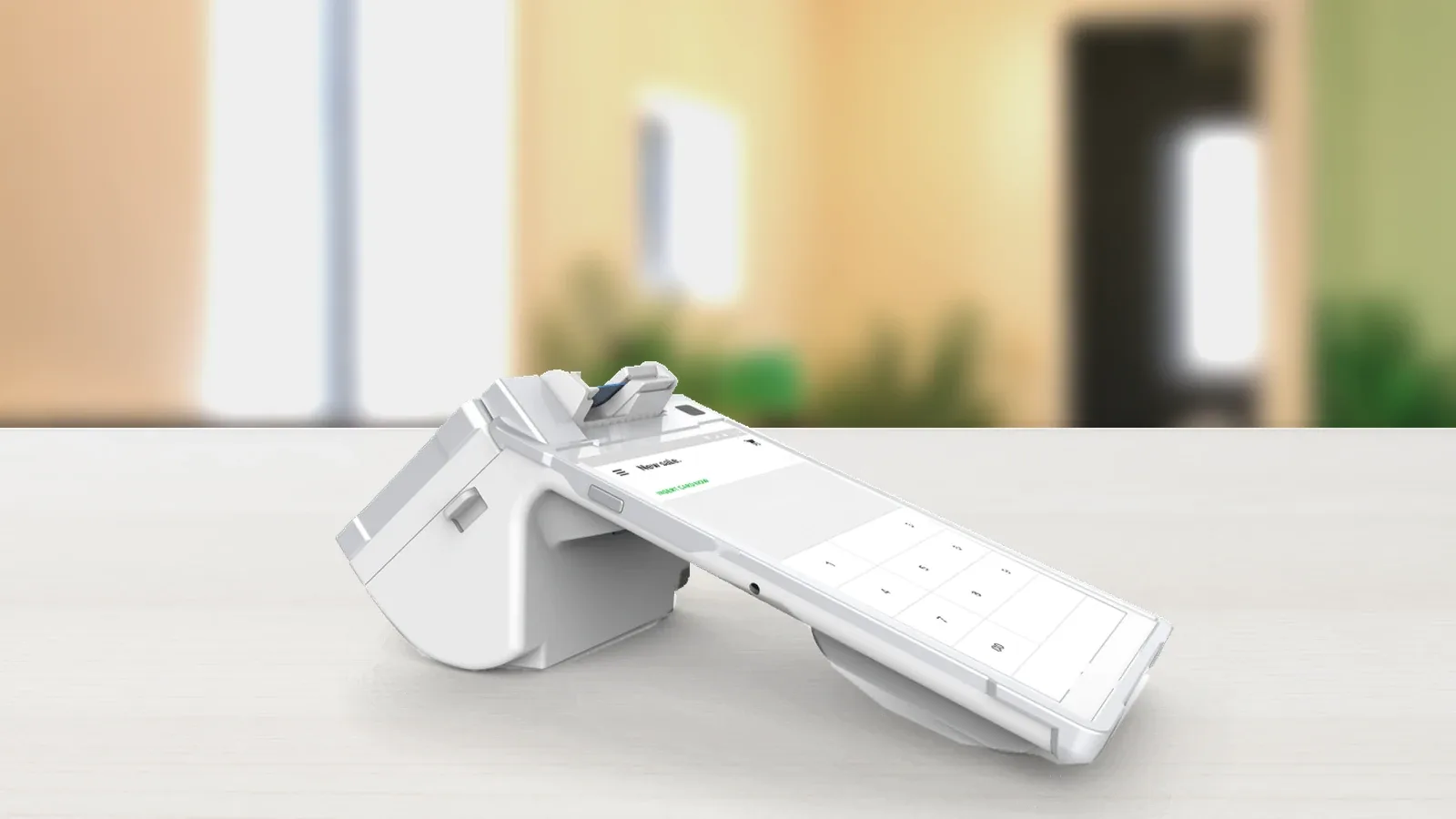
A customer-facing display gives the shopper a screen of their own on their side of the counter, so the cashier and the customer can follow the same sale. The Tap Simple Smart Flex is the countertop terminal with that second screen: a white device with an Android touchscreen for you, a customer-facing display, a reader for EMV chip, contactless and magstripe cards, PIN debit and a built-in receipt printer.
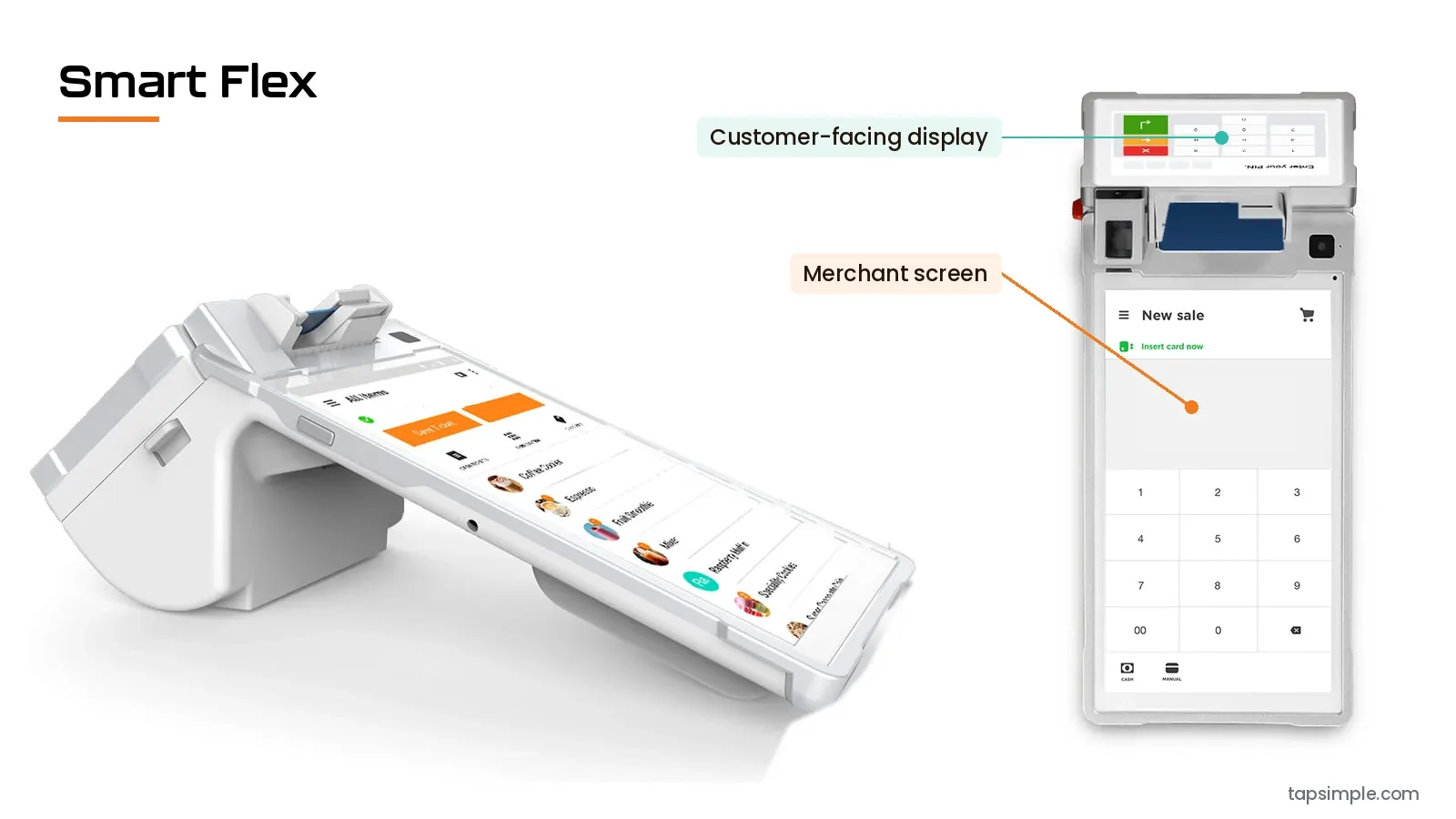
The Smart Flex connects over Wi-Fi, which suits a register that stays in one place. Tap Simple calls it “a little bit terminal and a little bit point of sale,” and it works on its own, without a separate point-of-sale system.
How does barcode scanning work on the Smart Terminal?
The Tap Simple Smart Terminal scans barcodes itself, so an associate can ring up an item wherever the shopper is standing. Tap Simple describes it as a terminal that “scans barcodes, prints receipts, and has a camera,” and the pricing page lists a rear camera for easy barcode scanning.
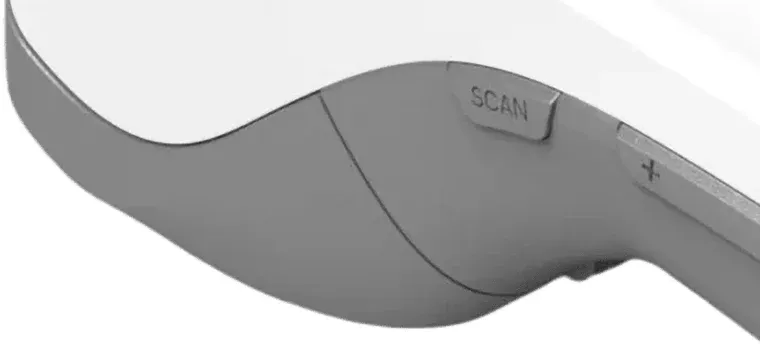
The Smart Terminal is a white handheld with an Android touchscreen, a reader for EMV chip, contactless and magstripe cards, PIN debit, a built-in receipt printer, and 4G and Wi-Fi connectivity. That makes it the floor device in a retail store: walk to a shopper by the fitting rooms, scan the tags, take the payment and hand over a printed receipt. On a busy day it doubles as a second register.
Payments Hub lets you build and manage your inventory and see real-time data for sales, items, customers and employees, and Tap Simple’s payment features include a Retail theme for inventory management and stock tracking.
How do you take payments at markets and pop-ups with the same inventory?
Take market-day and pop-up payments on the Tap Simple 3-in-1 Reader paired with a compatible iOS or Android phone or tablet. Through Payments Hub, a 3-in-1 Reader at an event looks at the same inventory count as the Smart Flex in your shop.
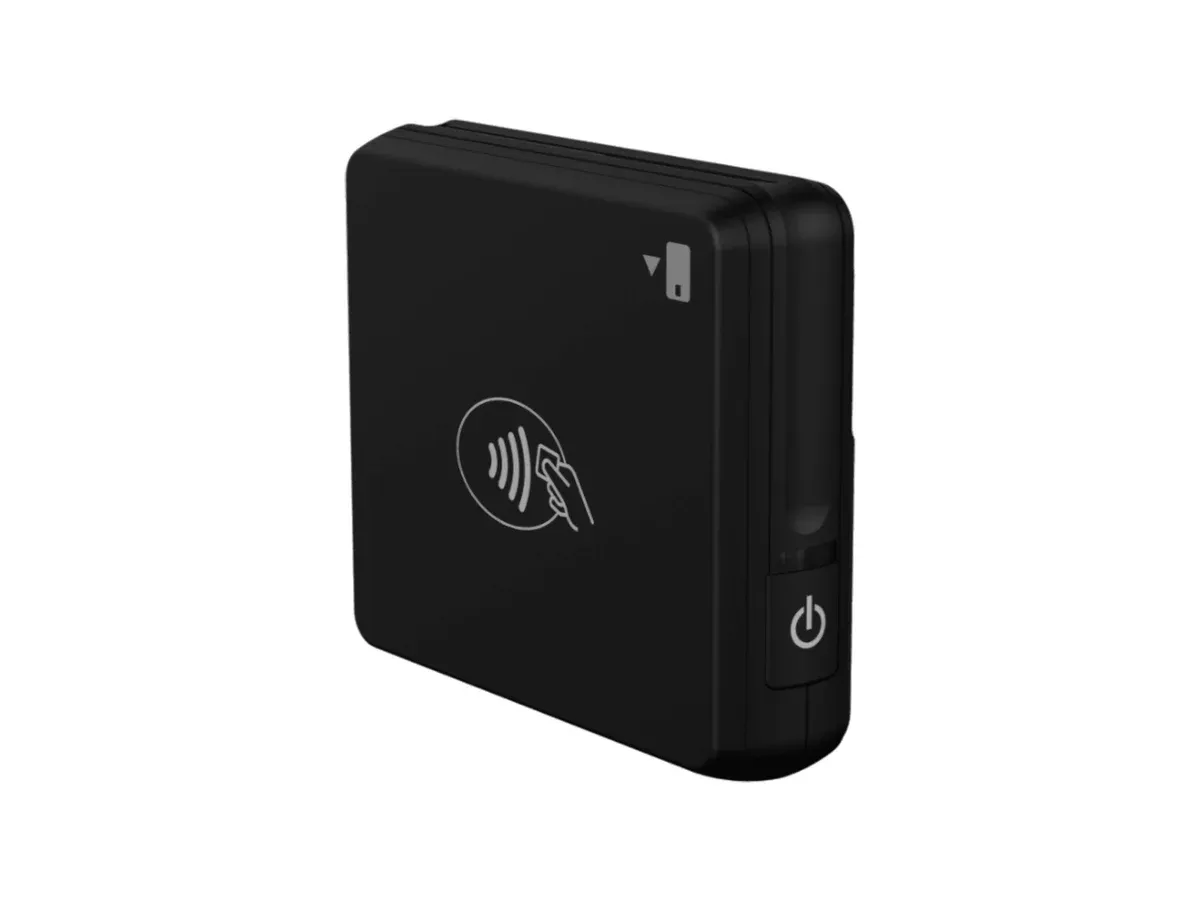
The reader is small and black, and it accepts EMV chip, magstripe and NFC contactless payments, including mobile wallets. On a tablet, you and your customer get a larger screen, which suits a market table, a pop-up or a small counter. If the signal at a venue drops, Tap Simple’s payment features include offline payments. Ask Tap Simple support if you are unsure your tablet is compatible.
Ready to take cards?
How to set up card payments in a retail store, step by step
Setting up card payments in a retail store takes five steps, in this order.
- Apply for a merchant account. Apply online at app.tapsimple.com; every application is reviewed case by case. The merchant account documents checklist shows what to have ready.
- Count your checkout spots. Use your busiest hour, as in the method above.
- Choose a device for each spot. Use the table: the Smart Flex at the register, the Smart Terminal on the floor, the 3-in-1 Reader for markets and pop-ups.
- Build your items and add your team in Payments Hub. Give each employee the permission level they need.
- Run a test sale on each device. Check that it shows in your Payments Hub reports.
What does a credit card machine cost a retail store?
What a credit card machine costs a retail store depends on two things: the devices and software you choose, and how much you want to pay for your transactions. Device and software prices for the Smart Flex, the Smart Terminal and the 3-in-1 Reader are listed on the Tap Simple pricing page.
Tap Simple offers a cash discount program. With cash discounting, you post a standard card price. Customers who pay by card pay that price, and customers who pay with cash get a discount. Our guide to cash discount dual pricing for small businesses explains how it works at the counter. For the different ways processors charge, read our guide on how to choose a credit card payment system for small business.
Common mistakes when choosing a retail card machine
Three mistakes leave retail stores with the wrong device:
- Leaving the shopper out of the sale. At a fixed register, a customer-facing display lets the shopper follow along.
- Running separate systems for the shop and the market. A market reader from one company and a register from another means two inventory counts and two sets of reports.
- Forgetting the signal. The Smart Flex connects over Wi-Fi, so check the signal at your register; the Smart Terminal adds 4G for corners where the Wi-Fi is weak.
Example: one boutique’s devices for a Saturday and a market day
Say a boutique has one register, two people taking payments at its busiest Saturday hour, and a table at a monthly craft market. These are example numbers; count your own.
- Busiest hour in the shop. The owner works the register and an associate works the floor, so two places take payments at once: a Smart Flex at the register and a Smart Terminal on the floor.
- Market day. The owner runs the market table while the associate keeps the shop open, so the market adds one device: a 3-in-1 Reader on the owner’s tablet.
- The total. 2 devices in the shop + 1 at the market = 3 devices, all on one Payments Hub account.
On market day, the reader and the Smart Flex look at the same inventory count, and both places show in one Payments Hub report.
What to do next
Start with the device for your main register, then add one for each spot that is busy at the same time. Read the Smart Flex page for the counter, see how Tap Simple works for retail stores, and compare devices and plans on the Tap Simple pricing page. Our pillar guide on how to choose a credit card reader covers the checks that apply to any business.
Questions about credit card machines for retail stores
What card reader suits a boutique?
The right card reader for a boutique depends on how busy the register gets and whether you sell away from the shop. A boutique with a small counter and occasional markets can start with the Tap Simple 3-in-1 Reader on a phone or tablet; a steady register suits the Smart Flex, a countertop terminal with a customer-facing display and a built-in receipt printer. Both report to the same Payments Hub account.
Which mobile payment solutions work for small retail shops?
Mobile payment solutions for small retail shops should take chip, swipe and contactless payments, including mobile wallets, and report to the same account as the register. Tap Simple offers two: the 3-in-1 Reader, which pairs with a compatible iOS or Android phone or tablet over Bluetooth, and the Smart Terminal, a handheld with its own 4G and Wi-Fi connection, a receipt printer and barcode scanning. Our guide to mobile credit card processing covers more setups.
What are the cost implications of using contactless payment methods for small retailers?
Contactless payments are card payments, so what they cost a small retailer depends on how its payment processor charges for card payments. Tap Simple offers a cash discount program: customers who pay by card, including by tap, pay the standard card price, and customers who pay with cash get a discount. All three Tap Simple devices accept NFC contactless payments, and device and software prices are on the Tap Simple pricing page.
Which payment processor fits retail and hospitality businesses?
A business that sells in both retail and hospitality, such as a café with a gift shelf, needs a processor whose devices fit the counter, the table and the road on one account. Tap Simple covers both on one account: the Smart Flex fits a counter, the Smart Terminal goes to the table, the 3-in-1 Reader goes on the road, and all three report to Payments Hub with a cash discount program. See every kind of business Tap Simple serves on the industries page.