
Having your small business accept credit cards lets you take payment from every customer who reaches for a card, a phone or a watch, at the counter, on a job site or by invoice. Tap Simple helps small businesses do that with a cash discount program, card readers and terminals, and Payments Hub software for records and invoices. This guide explains why accepting cards matters, how to start, which types of payment provider you can choose from, and what to check before you sign.
Why It’s Important That a Small Business Accept Credit Cards
It is important that a small business accept credit cards because customers expect to pay the way they prefer, and a sale you cannot take is a sale you lose. Accepting cards also changes how money and records reach you.
Customer convenience
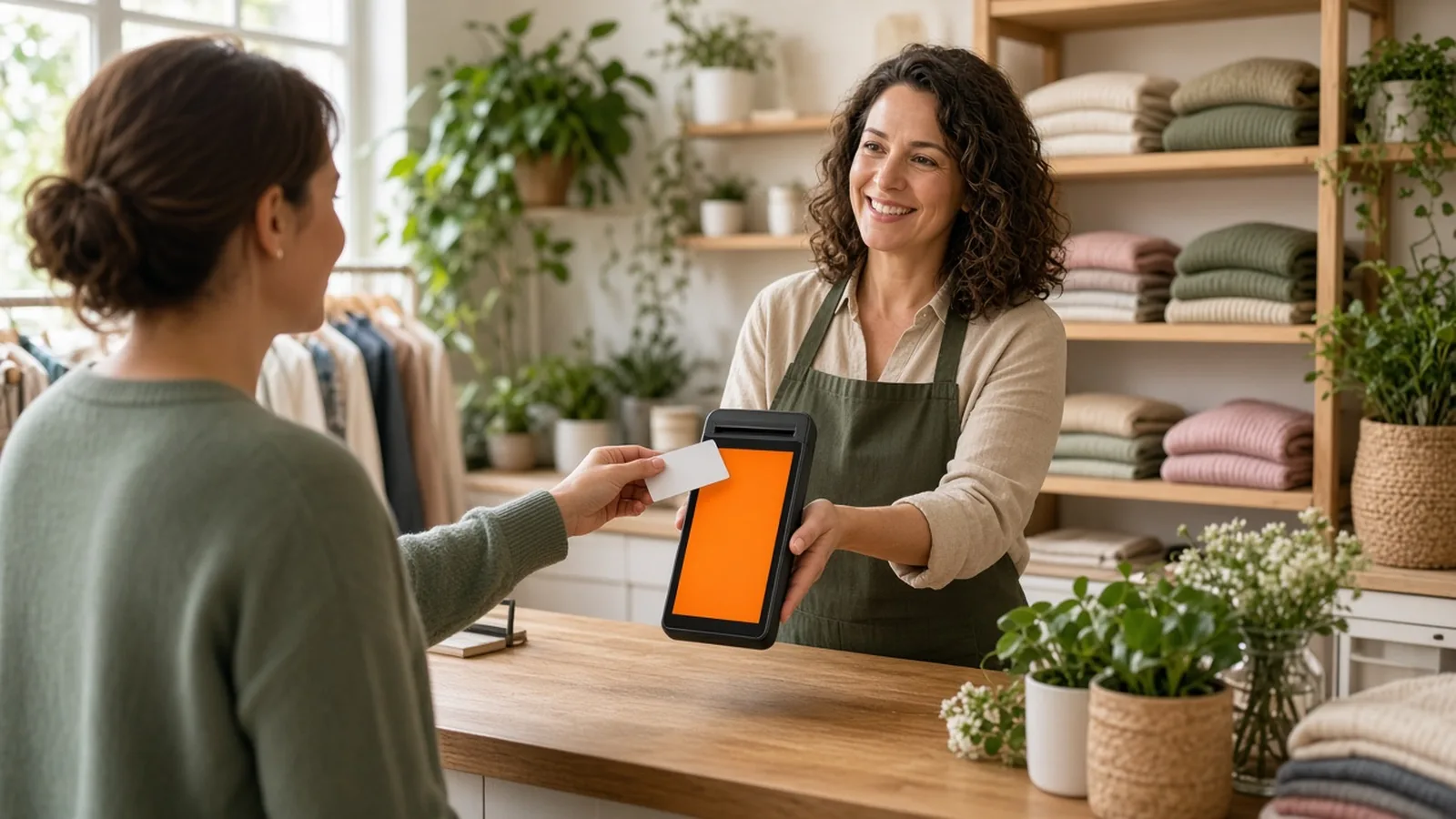
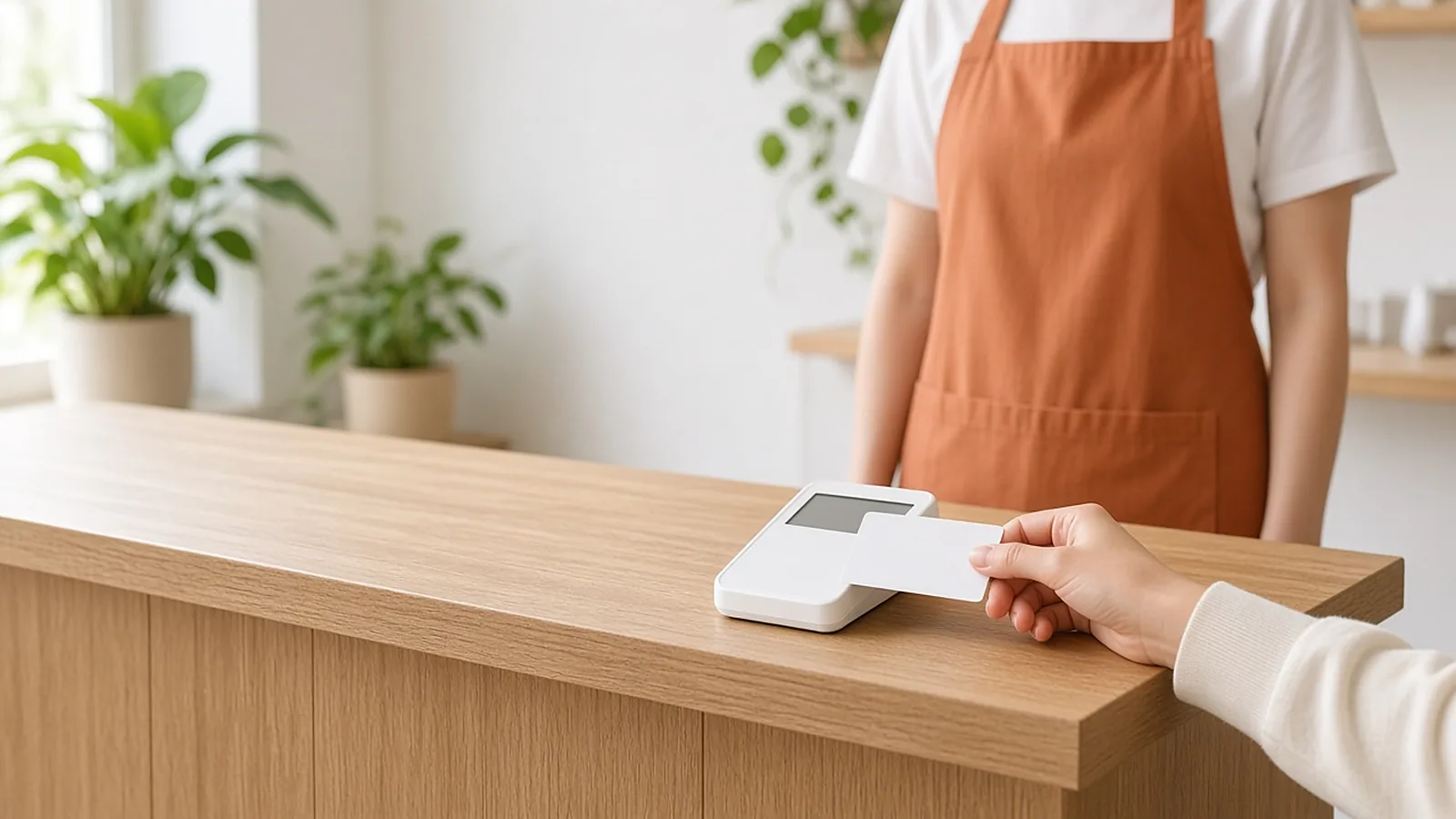
Customers who carry a card or a phone wallet rather than cash can still buy from you. Offering cards, contactless payments and mobile wallets lets each customer choose, which keeps checkout simple. See the benefits of contactless payment for more on tap payments.
Sales away from the counter
Accepting cards lets you take payment wherever the work happens. A phone reader covers a market stall or a job site, a virtual terminal covers phone orders, and invoices let customers pay online after the job.
Deposits and records in one place
Card sales are deposited into the bank account you connect, and each payment leaves a record. With Tap Simple, sales, deposits, disputes and statements sit together in Payments Hub, so you are not counting a cash drawer to know how the day went.
Professional checkout
A clear card checkout, with tips, signatures and receipts handled on screen, gives customers a smooth way to pay. Tap Simple’s homepage lists preset tip amounts, on-screen signatures, tickets and tabs, and offline payments.
How Can My Small Business Accept Credit Cards?
A small business can accept credit cards by choosing a payment processor, opening a merchant account, adding a way to take remote payments, and setting up a reader or terminal. Here are the four steps.
Step 1: Choose a payment processor
A payment processor moves card payments between your business, the card networks and the banks, and deposits approved sales into your account. The card networks set the card rules, and the processor handles each payment within them. Compare processors on how they price each payment, the devices they support, the records you get and how you reach support. Our guide on how to choose a payment processor for a small business walks through each check.
Step 2: Set up a merchant account
A merchant account lets your business accept card payments and receive the deposits. Some providers place many businesses under one shared account, while others open an individual merchant account for your business. Our guide on how to get a merchant account explains what to have ready. With Tap Simple, you apply online at app.tapsimple.com, and every application is reviewed case by case.
Step 3: Add a way to take remote payments
If you take phone orders or bill after the job, you need a virtual terminal or invoices, and if you sell online you need a payment gateway that connects your checkout to your processor. Tap Simple’s Payments Hub includes a virtual terminal for keyed-in and card-on-file payments, plus email and SMS invoices with recurring billing.
Step 4: Set up your card reader or terminal
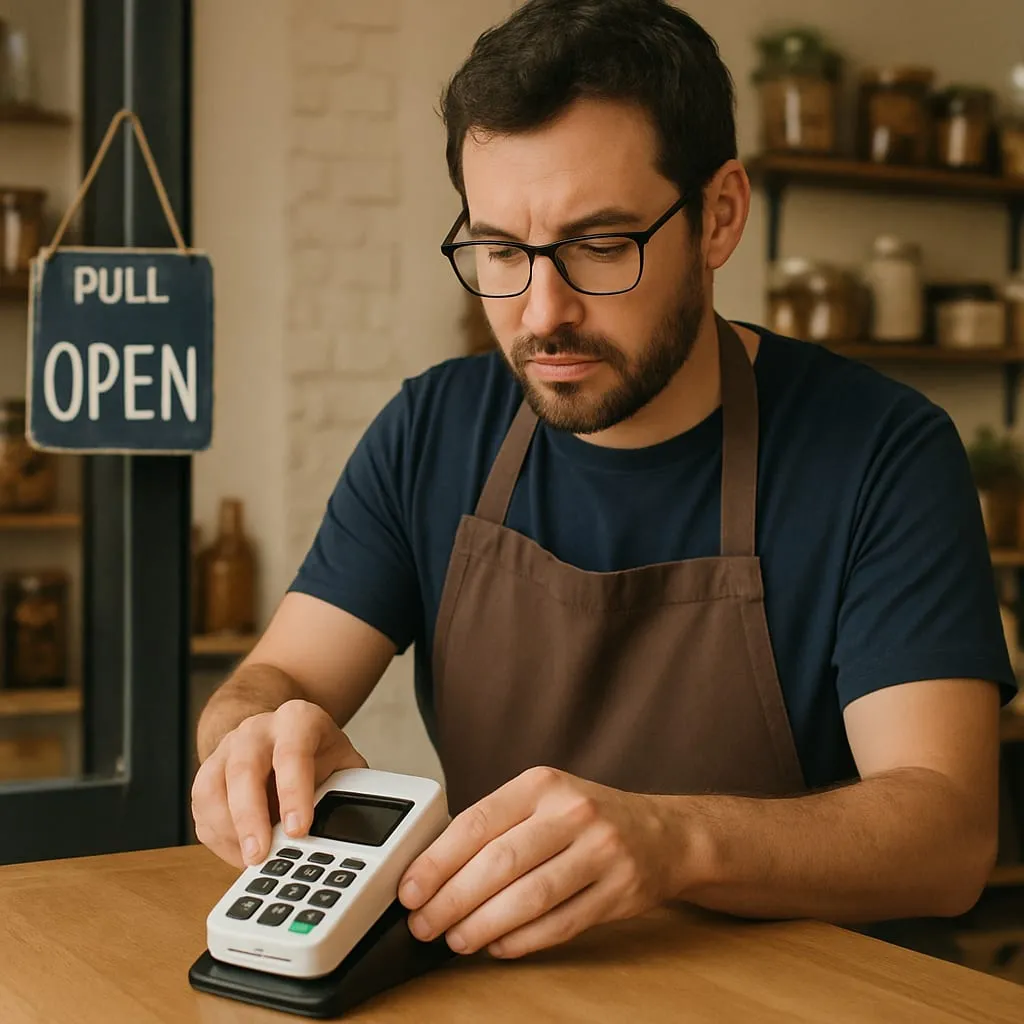
For in-person sales, choose a device that fits where you sell and accepts chip, swipe and contactless payments, including mobile wallets. Keep the device software up to date so it stays secure.
Ready to take cards in your business? Tap Simple offers a cash discount program with card readers, terminals and Payments Hub software. Get Started or see pricing.
Ways to Accept Credit Cards: Provider Types Compared
The best way for a small business to accept credit cards depends on how it sells, and the main choice is the type of provider. Tap Simple is our product, so it is listed first; the other columns describe kinds of provider in general terms, not any one company.
| Tap Simple (cash discount program) | Flat-rate payment app | Merchant account with interchange-plus pricing | POS-bundled processor | |
|---|---|---|---|---|
| How pricing works (in words) | Cash discount program; plans and devices on the Tap Simple pricing page | A percentage plus a fixed fee on each payment | The card network’s interchange cost passed through, plus the provider’s markup | Processing tied to the provider’s software plan |
| In-person devices | 3-in-1 Reader, Smart Terminal handheld, Smart Flex countertop | A phone app, sometimes with a small reader | A terminal or app supplied by the provider | The provider’s own point-of-sale hardware |
| Remote payments | Virtual terminal and email or SMS invoices in Payments Hub | Varies by app | Varies by provider | Varies by platform |
| What to check | Focused on payment processing rather than a full retail or restaurant software suite | Every sale pays the same rate, whatever the card costs | Statements take longer to read; ask for every fee in writing | Hardware may work only with that provider’s processing |
Mobile card readers
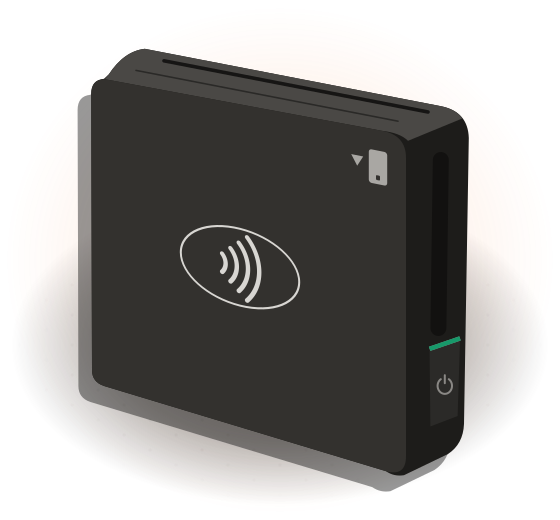
A mobile card reader pairs with a phone or tablet so you can take payments at markets, pop-ups and job sites. The Tap Simple 3-in-1 Reader pairs over Bluetooth with a compatible iOS or Android phone or tablet and accepts chip, swipe and contactless payments, including mobile wallets.
Countertop and handheld terminals
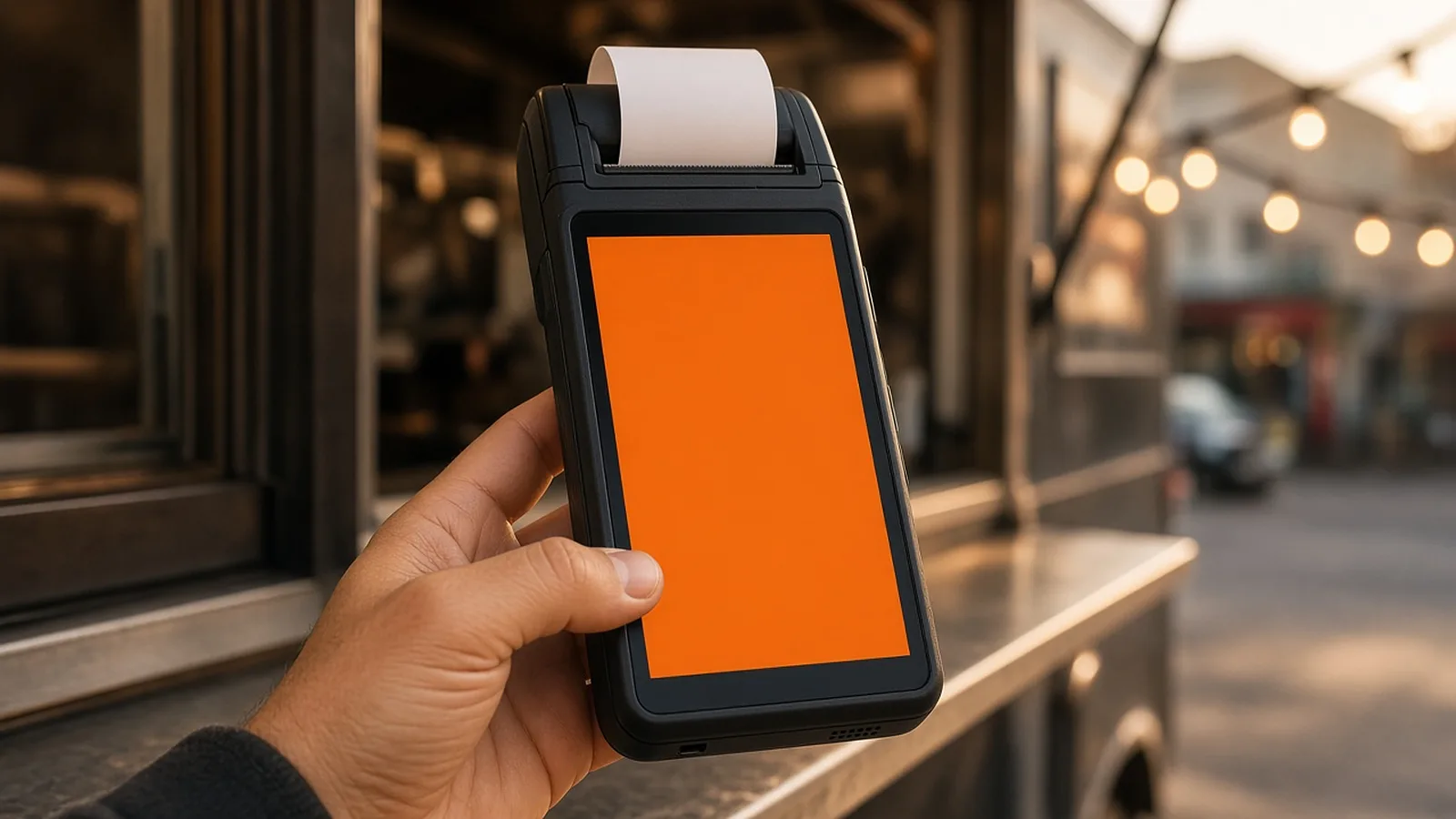
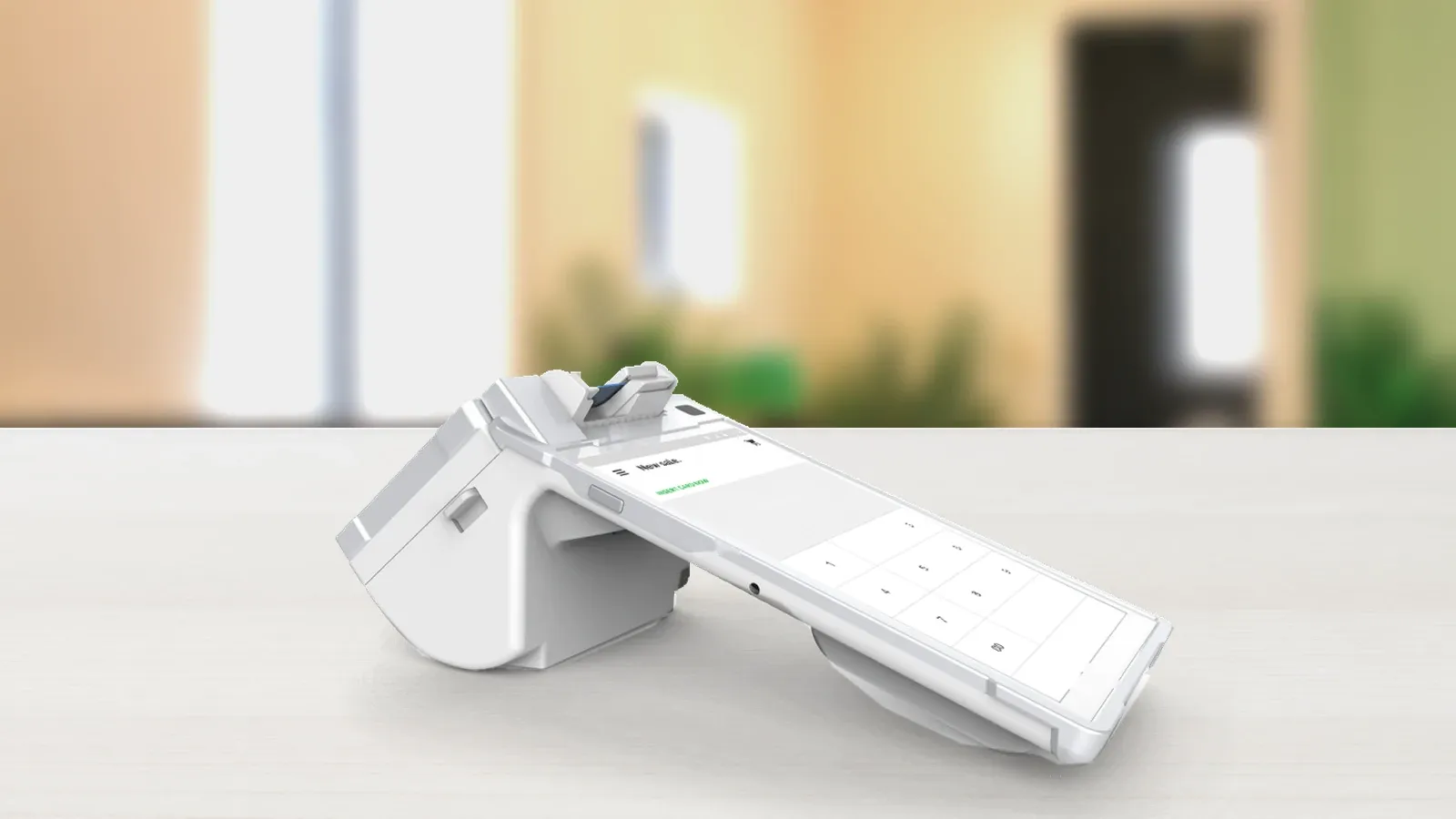
A terminal gives you a dedicated device for a counter or for tables. The Tap Simple Smart Terminal is a handheld with a built-in receipt printer, 4G and Wi-Fi, and the Smart Flex is a countertop terminal with a customer-facing display. See our guide to the best credit card machine for small business.
Online and invoice payments
Online and invoice payments let customers pay without being in the room. Payments Hub adds a virtual terminal and invoices alongside your in-person sales, so every payment lands in one report.
Ready to take cards?
Why We Believe Tap Simple Is the Better Choice
We believe Tap Simple is the better choice for many small businesses that want to accept credit cards, for reasons you can check on tapsimple.com:
- A cash discount program. With cash discounting, you post a standard card price. Customers who pay by card pay that price. Customers who pay with cash get a discount.
- Devices that work together. The 3-in-1 Reader, Smart Terminal and Smart Flex all report to one Payments Hub.
- Remote payments built in. A virtual terminal and email or SMS invoices with recurring billing.
- Direct support. Email support@tapsimple.com or call +1 (312) 761-1051.
Read more about the benefits of a cash discount program, or compare plans on the Tap Simple pricing page.
How to Set Up Credit Card Payments for Small Business
Setting up credit card payments for a small business goes smoothly when you compare carefully, then test before your first busy day.
Compare every fee
Before you choose a provider, ask for every fee that can appear on a statement, such as chargeback fees, monthly fees and early termination fees, and get the answers in writing. Our guide to how card processing fees work explains the common pricing models.
Ask about support
Find out how you reach a person when a payment fails, and write down the email address and phone number.
Test the system
Run a few test sales, refunds and tips before you open, and check that each one shows up in your reports.
Train your staff
Show everyone who takes payments how to ring up a sale, add a tip, issue a refund and handle a declined card. Set permission levels so each person sees only what they need.
Read More About Accepting Credit Cards
- How credit card processing works
- Best credit card processing for small business
- Payment apps for small business
FAQs About Why It's Important That a Small Business Accept Credit Cards
Why should a small business accept credit cards?
A small business should accept credit cards so it can take payment from every customer who prefers a card or a phone wallet, in person, by phone or online. Card sales are deposited into your bank account and leave a record of each payment. Tap Simple offers a cash discount program with readers, terminals and Payments Hub software.
How does accepting credit cards help a small business manage its money?
Accepting credit cards helps a small business manage its money because card sales are deposited into the bank account you connect and each payment is recorded. With Tap Simple, sales, deposits, disputes and statements are together in Payments Hub, so you are not counting a cash drawer to know how the day went.
What steps should a small business take to start accepting credit cards?
A small business can start accepting credit cards in five steps:
- Choose a payment processor.
- Set up a merchant account.
- Add a virtual terminal, invoices or a payment gateway for remote payments.
- Set up a card reader or terminal.
- Train staff to use the system.
Which payment options work well for small businesses that want to accept credit cards?
Small businesses can accept cards in person with a card reader or terminal, and remotely with a virtual terminal, invoices or a payment gateway. Tap Simple offers a cash discount program with a 3-in-1 Reader, a Smart Terminal and a Smart Flex, so you can pick the device that fits how you sell.
How much does it cost a small business to accept credit cards?
The cost for a small business to accept credit cards depends on the provider’s pricing model, such as a flat rate per payment, interchange-plus pricing or a cash discount program. Ask each provider for every fee in writing before you sign. Tap Simple offers a cash discount program, and its plans are on the Tap Simple pricing page.
Ready to accept credit cards? Get Started or compare plans.