Tips and signatures on card payments are two steps at the end of a card sale: the customer picks a tip, which is added to the payment amount, and then signs to confirm the total. With Tap Simple, you create preset tip amounts by percentage or dollar, and customers can sign and tip on screen or on a paper receipt, so the same checkout works in a salon chair, at a bar, behind a coffee counter or at a food truck window. We believe Tap Simple is the better choice for many small businesses that take tips: preset tips, signatures, tickets and tabs come with a cash discount program and support you can reach directly.
Key points
- Preset tips let the customer tap a percentage or a dollar amount instead of working out the math.
- Customers sign and tip on the device screen, or on a paper receipt from a terminal with a printer.
- Tickets and tabs let you hold a sale open and close it out, tip included, when the customer is ready.
- A tip paid by card is still a tip: the IRS counts it, and federal and state wage rules apply to it.
How do tips and signatures work on card payments?
Tips and signatures work in the same order on every card payment: the sale total comes first, the tip is added, and the signature confirms the final amount. Here is that order on a Tap Simple device:
- You ring up the sale, or close a ticket or tab.
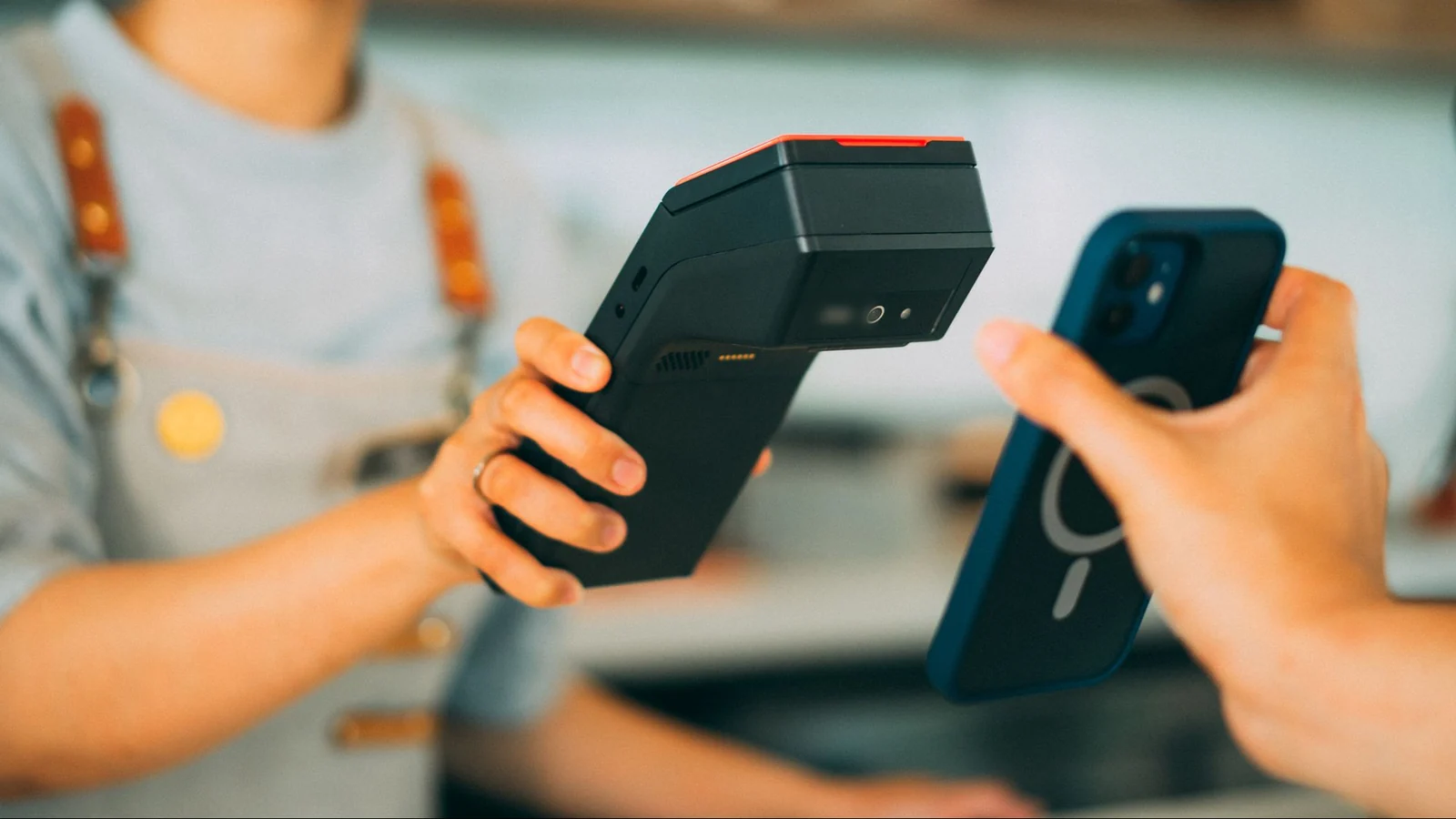
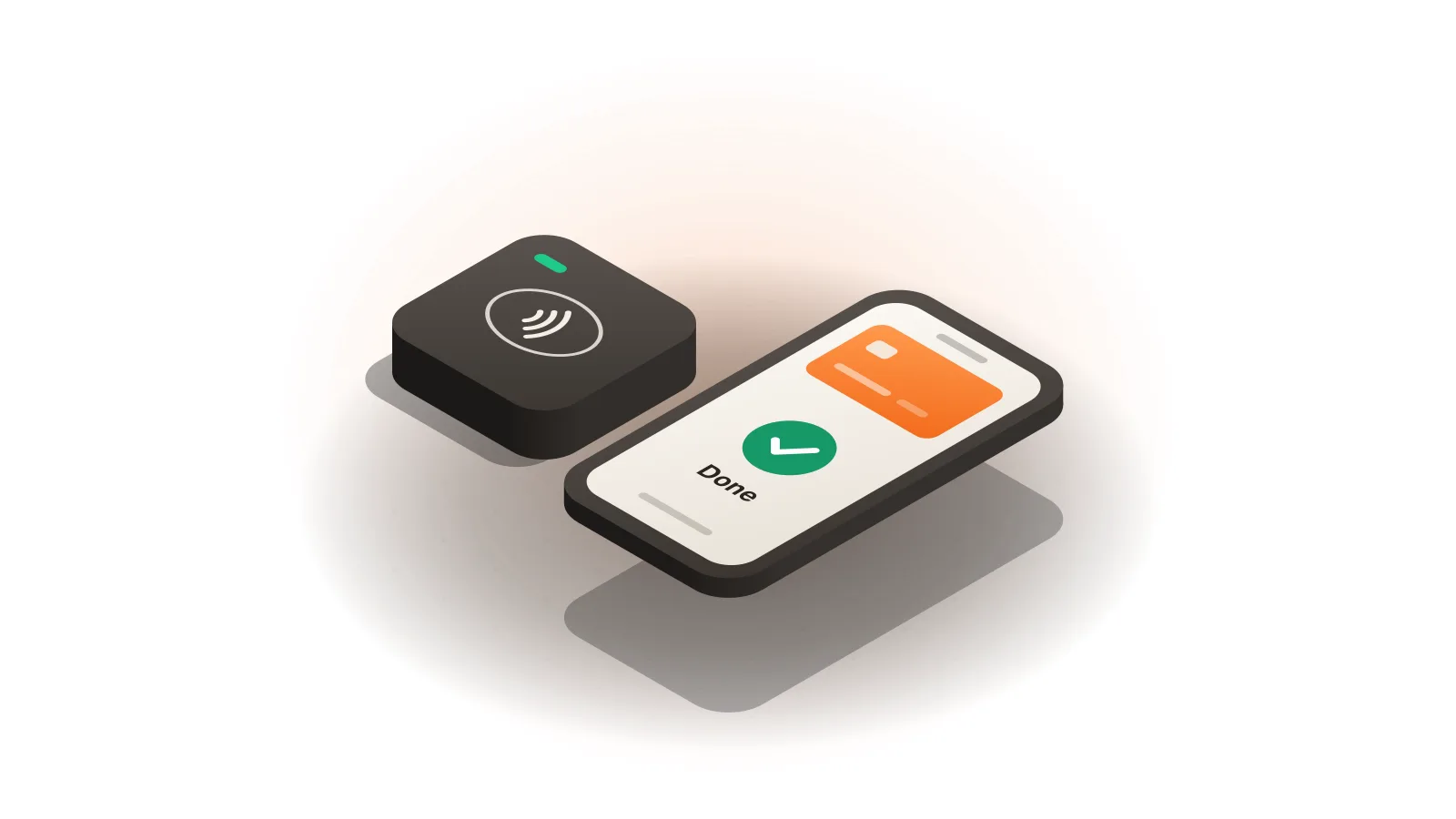
- The customer taps, inserts or swipes a card or phone.
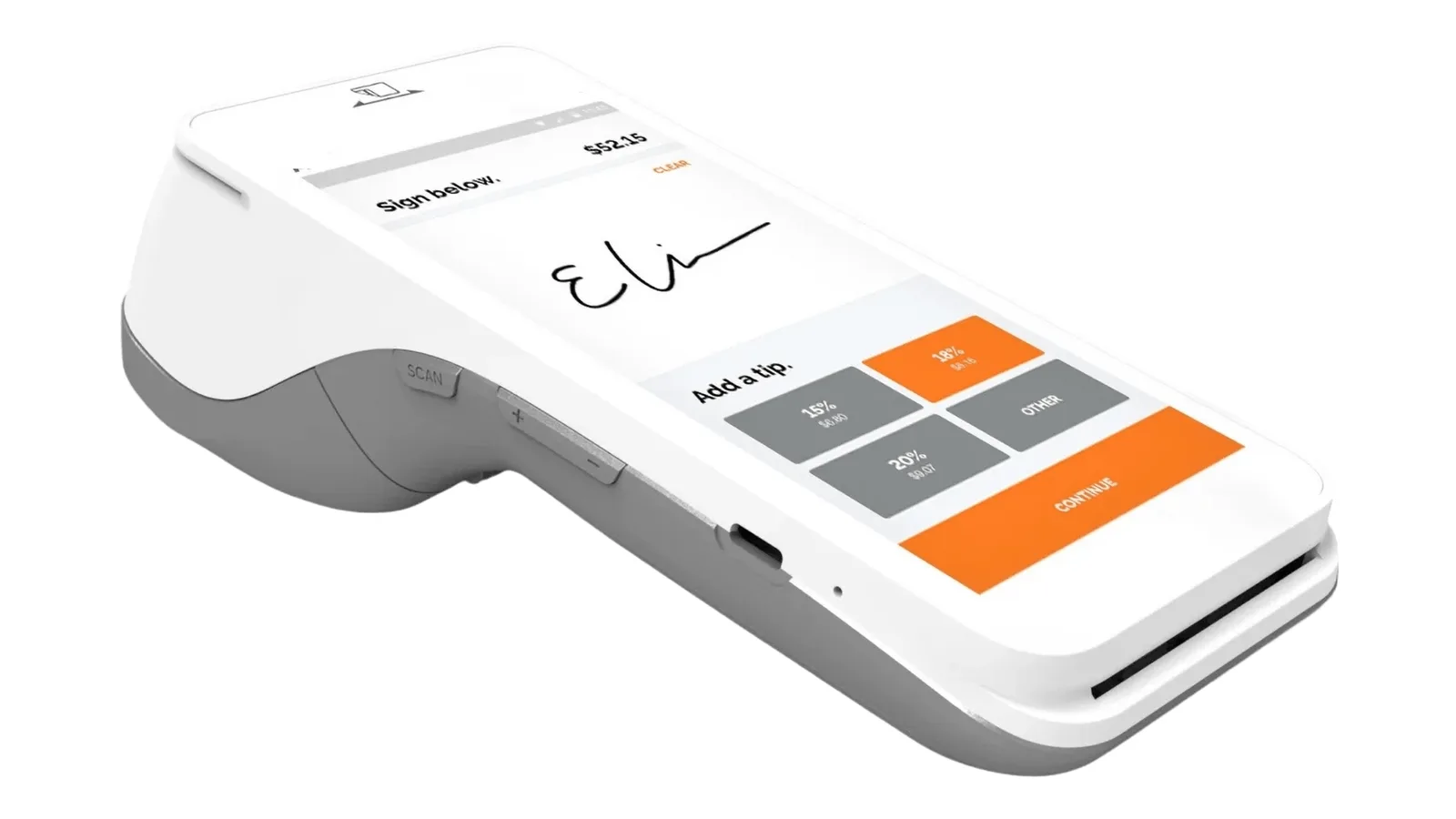
- The screen shows your preset tip amounts, by percentage or in dollars, and the customer picks one.
- The customer signs on screen. On the Smart Terminal or Smart Flex, which have built-in receipt printers, the customer can instead sign and write the tip on a paper receipt.
- The payment, tip included, is recorded with the rest of the day’s sales.
Tap Simple offers these features with a cash discount program: you post a standard card price, customers who pay by card pay that price, and customers who pay with cash get a discount.
How preset tips work
Preset tips are tip amounts you choose ahead of time, shown as buttons on the screen. Tap Simple lets you set them by percentage or by dollar amount, so a salon can show percentages on a service and a coffee counter can show small round dollar amounts on a drink. The customer taps one button, and the tip is added to the card payment.
Because the tip is part of the payment amount, it is processed with the sale. What you pay to process it depends on your pricing; see the Tap Simple pricing page for plans and devices, and our guide to how credit card processing works for who handles each card payment.
How signatures work today
A signature is the customer’s confirmation of the final amount, tip included. With Tap Simple, customers sign on the device screen or on a paper receipt.
A signature is not always required. American Express says that since April 2018 it does not require merchants to collect signatures for card-present point-of-sale transactions, and that merchants may still choose to collect them (Optional Signature FAQ, May 2020). A signature step still pairs naturally with the tip screen. Card network rules change, so check the current rules for your situation.
Tickets, tabs and offline payments
Tickets and tabs let you hold a sale open and settle it later, with the tip added when the sale closes. With Tap Simple you open a ticket, start a tab, and close out when your customers are ready; the Retail theme supports open tabs alongside inventory and stock tracking. Tap Simple also supports offline payments, so a weak signal does not stop a sale at an outdoor event or a busy counter.
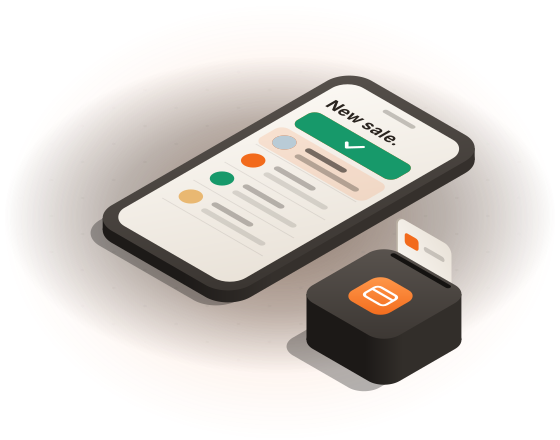
Tips and signatures on card payments, by kind of business
Tips and signatures on card payments look a little different in each business, but the same Tap Simple features cover all of them.
Salons
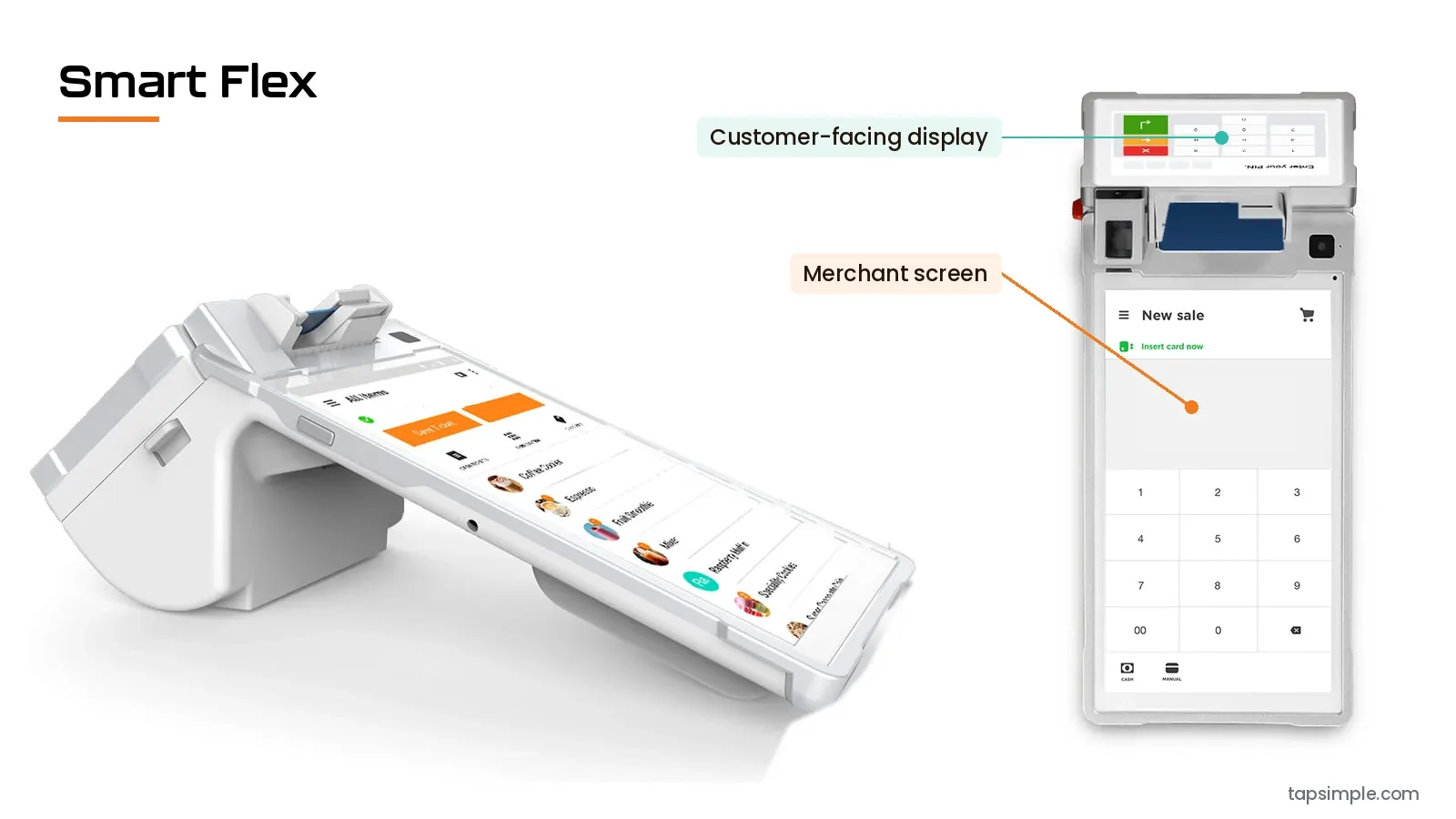
In a salon, the tip follows a service the client has just seen. A Smart Flex at the front desk has a customer-facing display, and the client picks a preset tip and signs on screen. A handheld Smart Terminal lets the stylist take the payment at the chair and print a receipt. See how Tap Simple works for hair salons.
Bars
At a bar, the tip can be added when the tab closes. Open a tab at the first round, close it when the guest is ready, and let the guest add the tip and sign on screen or on a printed receipt from the Smart Terminal. More on card payments for bars.
Coffee shops
At a coffee counter, sales are small and lines move, so preset dollar tips keep the step short. A countertop Smart Flex with its customer-facing display suits the counter. See Tap Simple for coffee shops.
Food trucks
At a food truck window, a 3-in-1 Reader paired with a compatible iOS or Android phone or tablet takes tap, chip and swipe payments, and the tip and signature happen on screen. A Smart Terminal adds its own 4G and Wi-Fi connection and a receipt printer, and offline payments cover a weak signal at an event. See Tap Simple for food trucks.
Service trades that receive tips use the same steps on the job site; our guide to mobile payments for contractors walks through a full job.
Ready to take cards?
What card tips mean for your records and your team
A tip paid by card is recorded with the sale, and the rules for tips still apply to it. The IRS says tips paid by credit or debit card count as tips, and employees report their tips to the employer unless they total less than $20 in a month from that employer.
The U.S. Department of Labor’s Fact Sheet #15 says that when tips are charged on customers’ credit cards and the employer can show it pays the card company a percentage, the employer may pay the employee the tip, less that percentage. The fact sheet sets limits: the reduction cannot be more than the card company’s fee, it cannot take the employee’s wage below the required minimum wage, and the tip cannot be held while the employer waits for the card company. State rules on tips can be stricter than federal rules, so confirm the current rules for your state before you change how you pay out card tips.
Common misconceptions about card tips and signatures
Three beliefs about tips and signatures on card payments are not accurate:
- “A card tip is processed separately.” The tip is part of the payment amount and is processed with the sale.
- “Signatures need paper.” With Tap Simple, customers can sign on screen; paper is an option on terminals with a printer.
- “Tabs need a full restaurant system.” Tap Simple’s payment features include tickets and tabs without a separate point-of-sale system.
Example: one salon service, step by step
Say a client’s haircut is $40 and your preset tips are 15%, 18% and 20%. The client taps 20%: $40 × 20% = $8, so the card payment is $40 + $8 = $48. These figures are an example.
- The stylist rings up the haircut on the Smart Flex at the front desk.
- The client taps a card and picks 20% from the three preset tip buttons on screen.
- The client signs on screen, and the $48 payment is recorded with the day’s sales.
- The stylist hands over a printed receipt from the Smart Flex.
What to do next
Choose the device that fits where your customers tip: the Smart Terminal for the table or the chair, the Smart Flex for the counter, or the 3-in-1 Reader for a phone. Then compare plans on the Tap Simple pricing page. Running a restaurant? Our guide to the best payment processor for restaurants covers tableside tips and tabs, and our guide to choosing credit card processing for a small business covers what to compare.
Questions about tips and signatures on card payments
What credit card payment tools support tips and signatures?
Credit card payment tools that support tips and signatures let you set preset tip amounts and let customers sign on screen or on a paper receipt. Tap Simple’s payment features include preset tips by percentage or dollar and signing and tipping on screen or on a paper receipt, along with tickets, tabs and offline payments, on the 3-in-1 Reader, the Smart Terminal and the Smart Flex.
Do customers still have to sign for card payments?
Customers do not always have to sign for in-person card payments: American Express, for example, has not required merchants to collect signatures for card-present sales since April 2018, and merchants may still choose to collect them. Card network rules change, so check the current rules. With Tap Simple, customers can sign on screen or on a paper receipt.
Can an employer take card processing fees out of tips?
Federal rules allow an employer to pay a card tip less the percentage the card company charges, when the employer can show it pays that percentage, but never more than that fee and never so that the employee’s wage falls below the minimum wage, according to the Department of Labor’s Fact Sheet #15. State rules can be stricter, so confirm the current rules for your state.
Do credit card tips count as tips for taxes?
Credit card tips count as tips: the IRS lists tips paid by credit and debit card among the tips employees report to their employer. See the IRS page on tip recordkeeping and reporting for the current rules.