
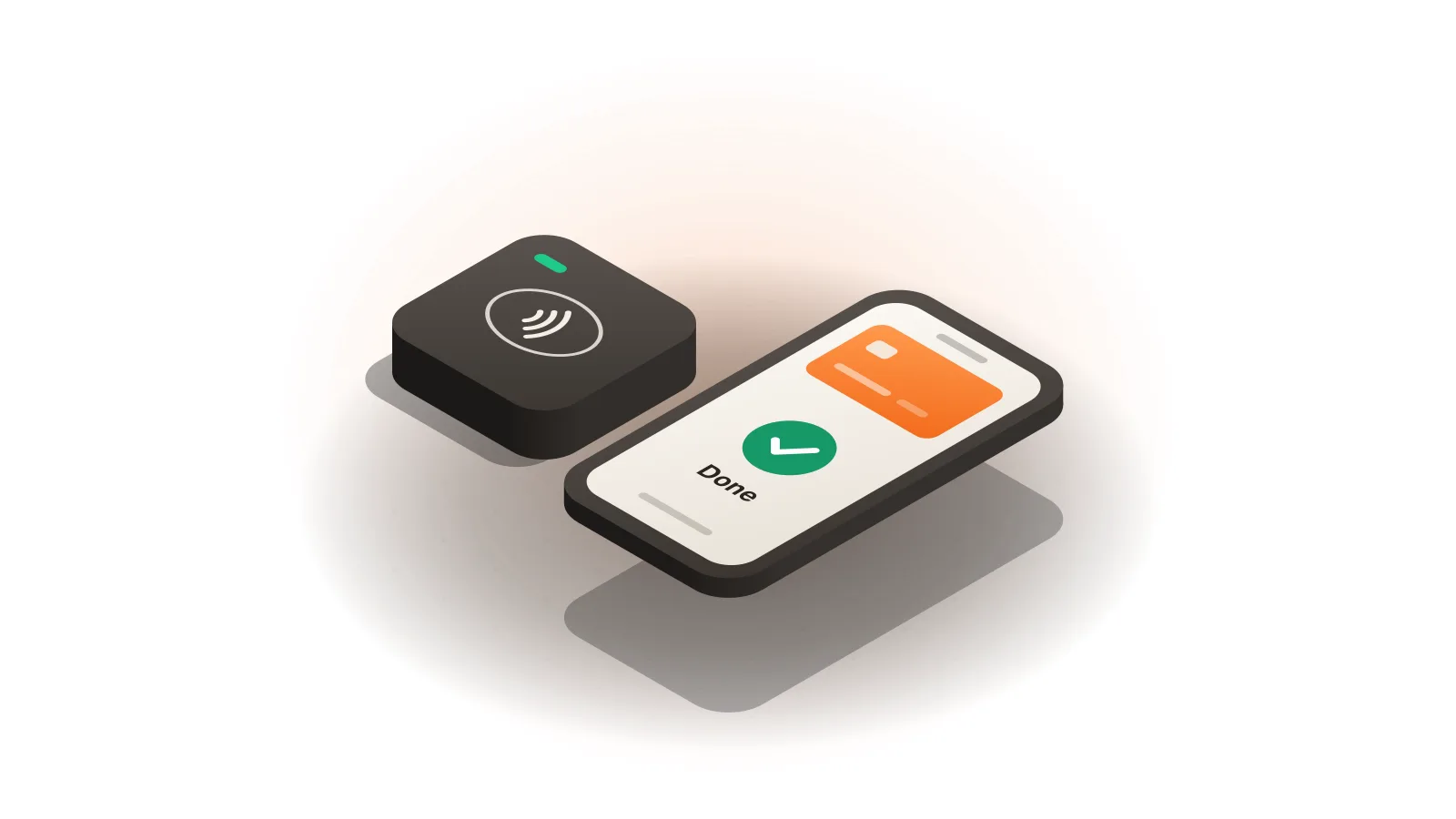
Mobile payments for contractors work best when one setup covers the whole job: an invoice for the deposit, a tap, chip or swipe payment on site when the work is done, and the customer’s signature before you pack up. Tap Simple gives contractors that setup in one place: the 3-in-1 Reader on the phone you already carry, the Smart Terminal handheld or the Smart Flex, and Payments Hub for invoices, all with a cash discount program and support you can reach directly.
Key points
- Tap, chip and swipe payments on site come from the 3-in-1 Reader paired with your phone, or from the Smart Terminal or Smart Flex.
- Deposits and remote payments go through Payments Hub: email or SMS invoices, cards on file and a virtual terminal.
- Customers can sign and tip on screen or on a paper receipt, and the Smart Terminal and Smart Flex print receipts.
- Tap Simple supports offline payments for spots where the signal drops.
Which tap to pay setup works best for a service business?
The best tap to pay setup for a service business is the one that takes contactless, chip and swipe cards wherever the job is, keeps going when the signal is weak, and puts every payment in the same report as your invoices. We believe Tap Simple is the better choice for many contractors and service businesses because one account covers all three devices and the office software:
- The 3-in-1 Reader pairs with a compatible iOS or Android phone or tablet over Bluetooth and accepts EMV chip, magstripe and NFC contactless payments, including mobile wallets. It is the lightest option for a truck or a tool bag.
- The Smart Terminal is a handheld with its own touchscreen, a built-in receipt printer, PIN debit and 4G and Wi-Fi connectivity, so it does not depend on your phone.
- The Smart Flex is a countertop and mobile terminal with a customer-facing display and a built-in receipt printer. It connects over Wi-Fi, so it suits a shop counter, an office or a job site with Wi-Fi.
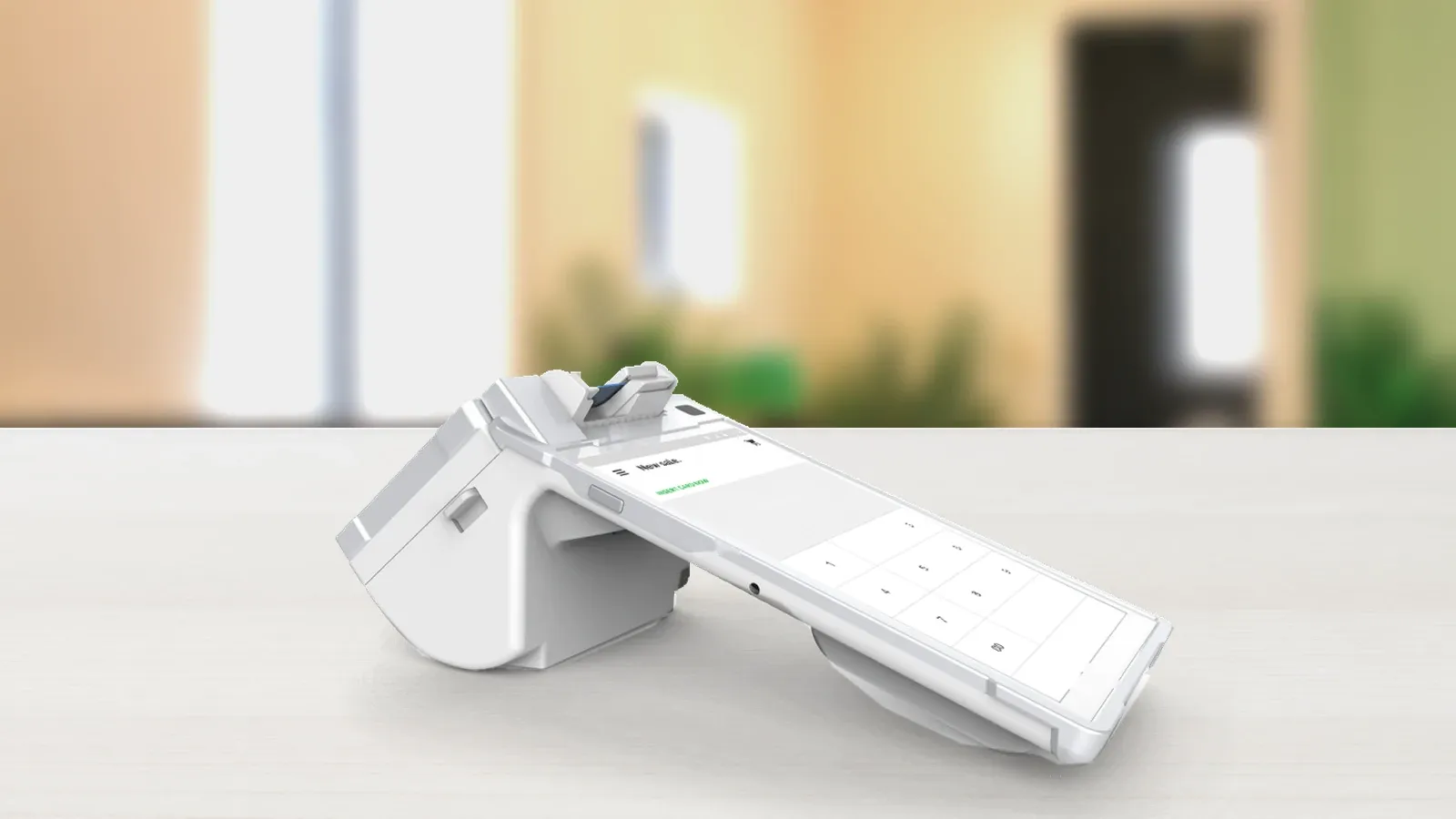
All three report to Payments Hub, so a payment taken in a driveway and an invoice paid online land in one place. The right mix depends on how you work and how much you want to pay for your transactions; the Tap Simple pricing page lists every device and plan.
Before you start: what you need to take mobile payments on a job site
You need three things before the first job: an approved merchant account, a device that fits how you work, and your team and services entered in Payments Hub.
- A merchant account. Apply online; every application is reviewed case by case. The merchant account documents checklist shows what to have ready.
- A device. A solo electrician or plumber may need only the 3-in-1 Reader on a phone. A crew that wants printed receipts and its own connection may add a Smart Terminal. A shop with a counter may add a Smart Flex.
- Your team in Payments Hub. Add employees with different permission levels, so each crew sees only what it needs, and build your list of services and parts.
Our pillar guide on how to choose a credit card reader covers the device choice in more depth.
How to take a payment on a job site, step by step
Taking a payment on a job site follows the job itself: quote, deposit, work, final payment, signature and receipt.
- Quote the job. Give the customer your price the way you already do. With a cash discount program, the posted card price is the price card payers pay, and customers who pay with cash get a discount, so quote both if the customer may pay cash.
- Invoice the deposit. Once the customer accepts, send an email or SMS invoice from Payments Hub and let the customer pay online, or key the card into the virtual terminal if they call it in.
- Do the work. The deposit already shows in your Payments Hub reports.
- Take the final payment on site. Open a new sale on your phone with the 3-in-1 Reader, or on the Smart Terminal or Smart Flex. The customer taps a card or phone, inserts a chip card or swipes. If the signal drops, Tap Simple supports offline payments.
- Get the signature. The customer signs on screen, or on a paper receipt from the Smart Terminal or Smart Flex.
- Hand over the receipt and close out. The Smart Terminal and Smart Flex print a receipt on the spot. Every payment then shows in Payments Hub reports, which you can sort, filter and export.
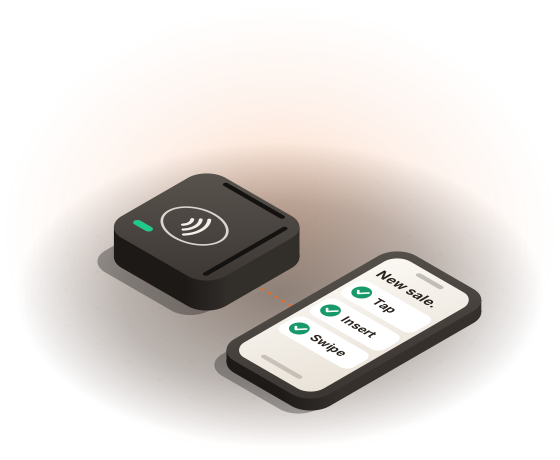
Tips work the same way for trades that receive them: preset tip amounts by percentage or dollar, added on screen or on the receipt. Our guide to how tips and signatures work on card payments explains both.
Deposits, final payments and remote payments in Payments Hub
Payments Hub handles every payment that does not happen face to face, so the deposit, the final payment and any recurring work sit in one account.
- Invoices. Send email or SMS invoices and let customers pay online.
- Recurring billing and autopay. Bill maintenance contracts on a schedule, and let customers turn on autopay.
- Cards on file. Customers can keep a card on file to make repeat work simpler.
- Virtual terminal. Key in a card from the office, or charge a card on file, with no hardware.
- Disputes and reporting. Handle disputes and see sales, customers and employees in real time.
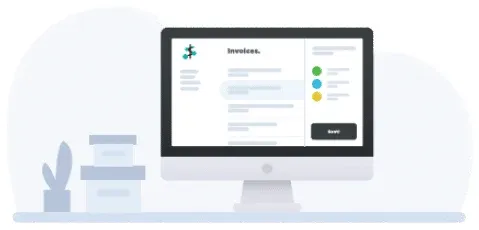
If you work mostly by invoice, Payments Hub may be all you need in the office, with a reader or terminal for the days you collect on site. See the Payments Hub page for the full list.
Mobile payments for electricians, plumbers and HVAC teams
Each trade takes payments a little differently, but all three come down to collecting a deposit from the office and the balance on site.
Electricians
An electrician quoting a larger job, such as panel work, can collect a deposit first. An invoice from Payments Hub covers the deposit, and the 3-in-1 Reader on the electrician’s phone takes the balance at the panel. See how Tap Simple works for electricians.
Plumbers
A plumber on a same-day call can take the whole payment at the end of the visit. A handheld Smart Terminal with its own 4G and Wi-Fi connection and receipt printer lets the plumber take the card and hand over a printed receipt without a trip back to the truck.
HVAC and other field service teams
An HVAC or field service team that sells maintenance plans can bill them with recurring invoices and autopay in Payments Hub, while each technician takes repair payments on site with a reader or terminal. Employee permission levels control what each technician can see. More on field service businesses.
Ready to take cards?
What mobile payments cost a contractor
What mobile payments cost depends on two things: how you pay for your transactions, and which devices and software you use. Tap Simple offers a cash discount program: you post a standard card price, customers who pay by card pay that price, and customers who pay with cash get a discount.
Device and software prices are listed on the Tap Simple pricing page. For the different ways processors charge, see our guide to the best credit card processing for small business.
Common mistakes to avoid
Four mistakes cost contractors time or money with mobile payments:
- Leaving the deposit to the end. Invoice the deposit when the customer accepts the quote, so it is paid before materials are ordered.
- Relying on one phone for everything. If the phone is also your map and your camera, a separate Smart Terminal keeps payments on their own device.
- Forgetting the signal. Some job sites have weak signal; know that Tap Simple supports offline payments, and that the Smart Terminal has 4G as well as Wi-Fi.
- Keeping paper records apart. Put every payment through Payments Hub, so deposits, final payments and recurring work are in one report at tax time.
Example: one electrician’s job from quote to final payment
Say an electrician quotes a $1,800 panel upgrade and asks for a 50% deposit. The arithmetic is simple: $1,800 × 50% = $900 up front, and $1,800 − $900 = $900 at the end. These figures are an example; your prices and deposit terms are your own.
- The customer accepts the quote by phone, and the office sends a $900 SMS invoice from Payments Hub. The customer pays it online that evening.
- On the day of the job, the electrician finishes the work and opens a $900 sale on the phone with the 3-in-1 Reader.
- The customer taps a card, signs on screen, and the payment shows in Payments Hub reports with the rest of the day’s sales.
What to do next
Start with the device that fits your busiest day: the 3-in-1 Reader for a phone in the truck, or the Smart Terminal for a handheld with its own printer and 4G. Then compare plans on the Tap Simple pricing page. For more on taking cards away from a counter, read our guide to mobile credit card processing, or see every kind of business Tap Simple serves on the industries page.
Questions about mobile payments for contractors
What payment app should a service business use?
A service business should use a payment app that covers both on-site payments and invoices, so every job is paid and recorded in one place. Tap Simple pairs the 3-in-1 Reader with your phone for on-site payments and uses Payments Hub for email or SMS invoices, recurring billing and cards on file. See how to choose a payment app for the full checklist.
How do mobile payments work for electricians?
Mobile payments for electricians usually work in two parts: a deposit invoiced before the job and the balance taken on site when the work is done. With Tap Simple, the deposit goes out as an email or SMS invoice from Payments Hub, and the balance is taken with the 3-in-1 Reader on a phone or with the Smart Terminal.
Can contractors use tap to pay on a job site?
Contractors can use tap to pay on a job site with a reader or terminal that accepts NFC contactless cards and mobile wallets. The Tap Simple 3-in-1 Reader takes contactless payments through your phone or tablet, and the Smart Terminal takes them on its own 4G or Wi-Fi connection. Both also take chip and swipe cards.